












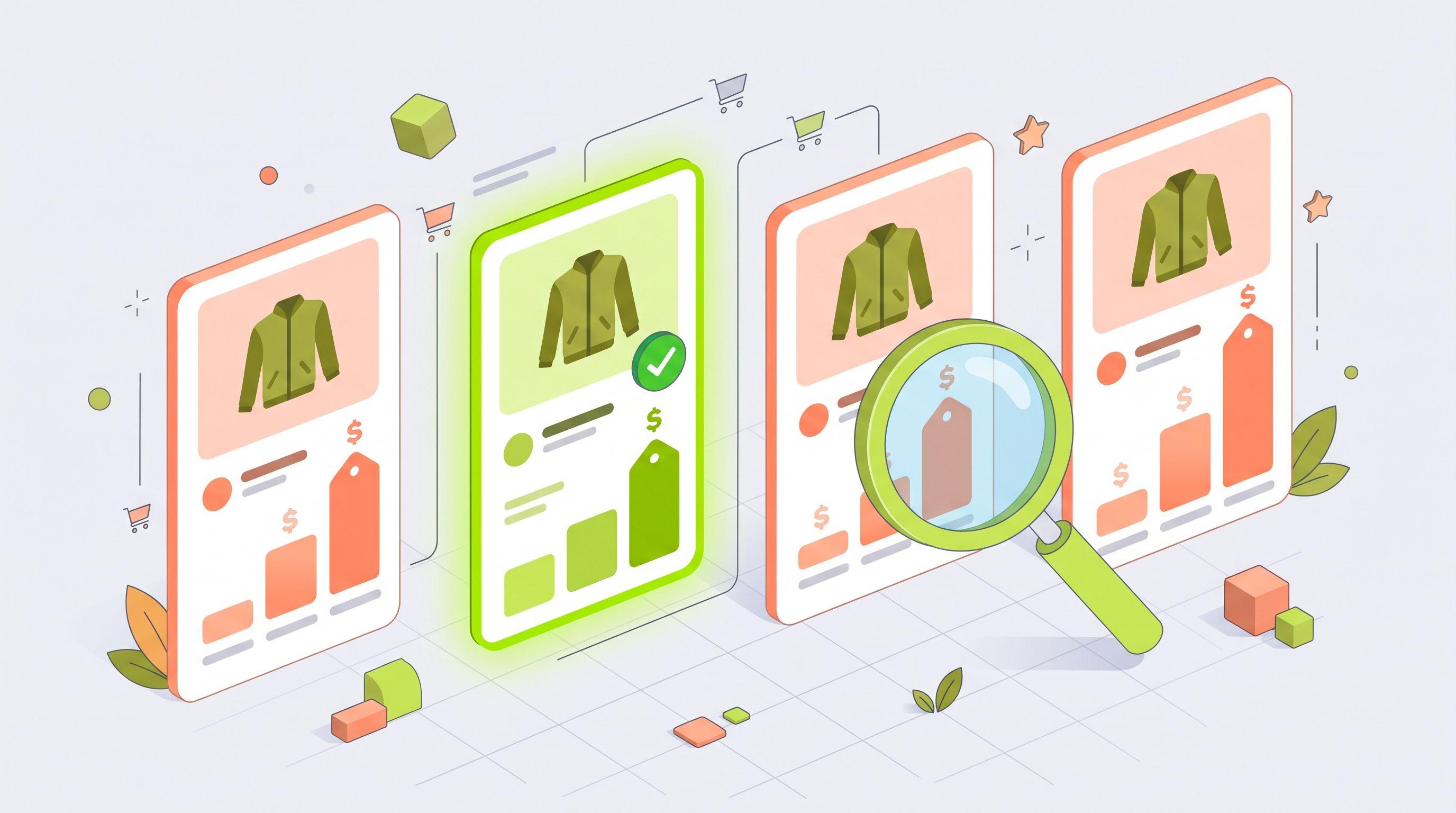
In Google Shopping, the same product often appears from several sellers at once. Shoppers see the prices side by side, and the cheapest offer usually gets the click. If you are €8 more expensive than one competitor on a jacket, you pay for impressions and clicks on that jacket while the sale goes elsewhere. The problem is knowing which products this is happening on and who is undercutting you.
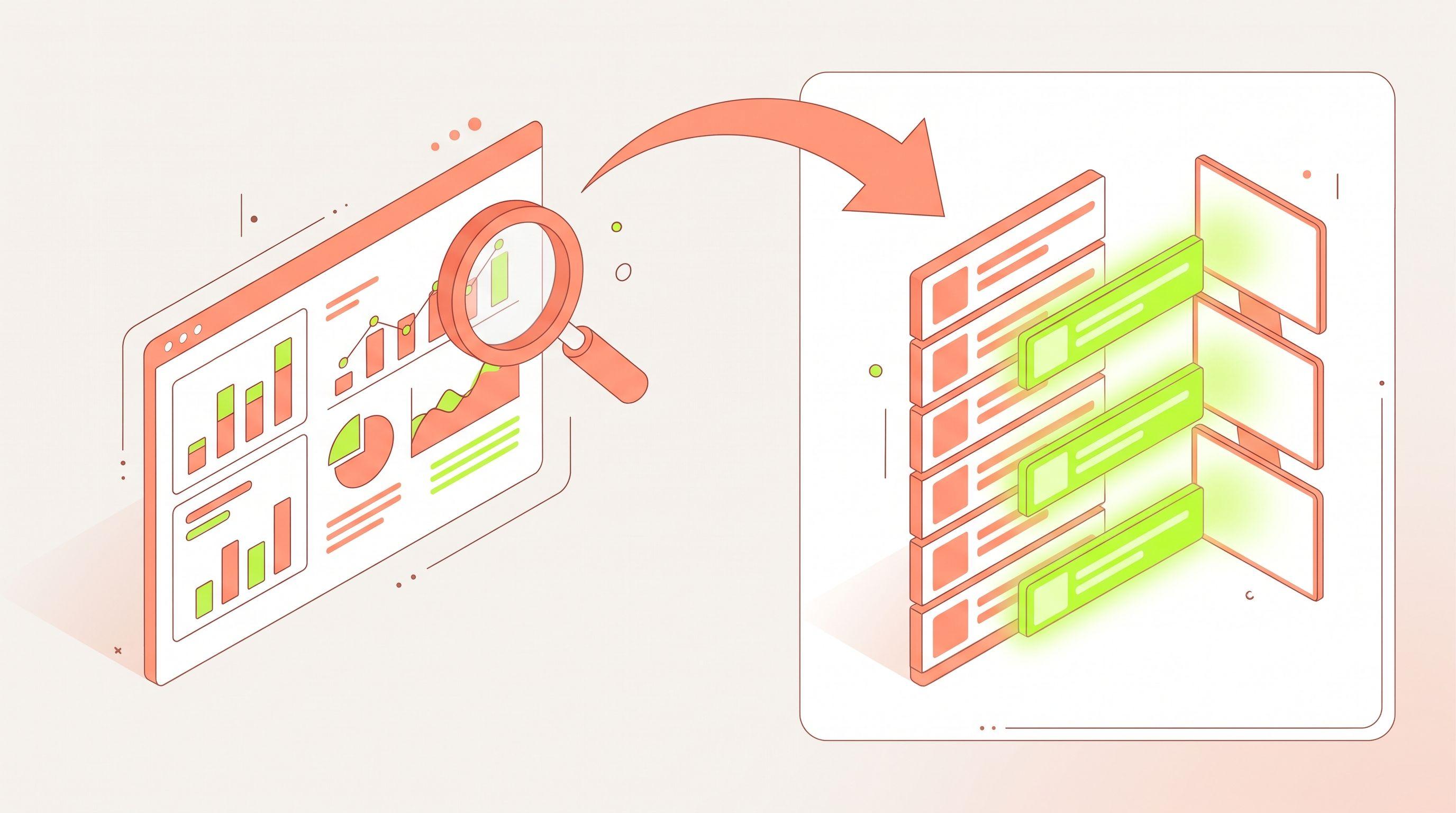
Google's own price competitiveness report tells you how you compare with a market average. Feedance Price War goes one step further: it compares each of your products with the sellers competing against you in Google Shopping, names the cheapest competitor, and writes the result into your feed so your campaigns can act on it. This article explains how that works and how teams use it.
Why price decides so much in Google Shopping
Shopping ads are a comparison format. Your product image and price sit next to other sellers' offers for the same item, so price is visible before the click. Google says its price competitiveness report exists to help you judge whether your pricing and bids are competitive in Shopping ads and free listings. When your price is clearly higher, you tend to see two things in campaign data:
- Fewer clicks for the spend. Shoppers choose the cheaper offer they can see right next to yours.
- Clicks that don't convert. Some shoppers click, compare on your page, and buy elsewhere.
Both mean paying for products that can't win the comparison at their current price.
What Google's benchmark tells you, and what it doesn't
Merchant Center's price competitiveness report compares your price with a benchmark: the click-weighted average price of the same product across all retailers selling it in Shopping ads and free listings, matched by GTIN. It's free and useful. But it has limits when you want to act product by product:
- It's an average, not a competitor. You see that you're above the benchmark, not which seller is cheaper or by how much.
- Not every product gets a benchmark. Products sold by too few retailers, or with too few clicks, don't appear.
- The data can be several days old. The benchmark uses data from 1 to 7 days before the report.
- It stays in a report. To use it in campaigns, you have to export it and turn it into labels or exclusions yourself.
How Price War works
Price War is built to close those gaps.
- It matches your products to competing offers. Feedance matches each product to the same item sold by the competitors you're up against in Google Shopping. You can add competitors over time.
- It labels your price position. Each matched product gets a
price_positionvalue:best,sameormore_expensive. - It names the cheapest competitor. The
cheapest_competitorfield shows exactly who is undercutting you on that product. - It writes the result into the feed. The fields, and a custom label such as
custom_label_3 = price_winorprice_lose, are added to your exports for Google, Meta, TikTok and the other channels you send feeds to. - It updates on every sync. When you change a price, or a competitor changes theirs, the label changes on the next feed update.
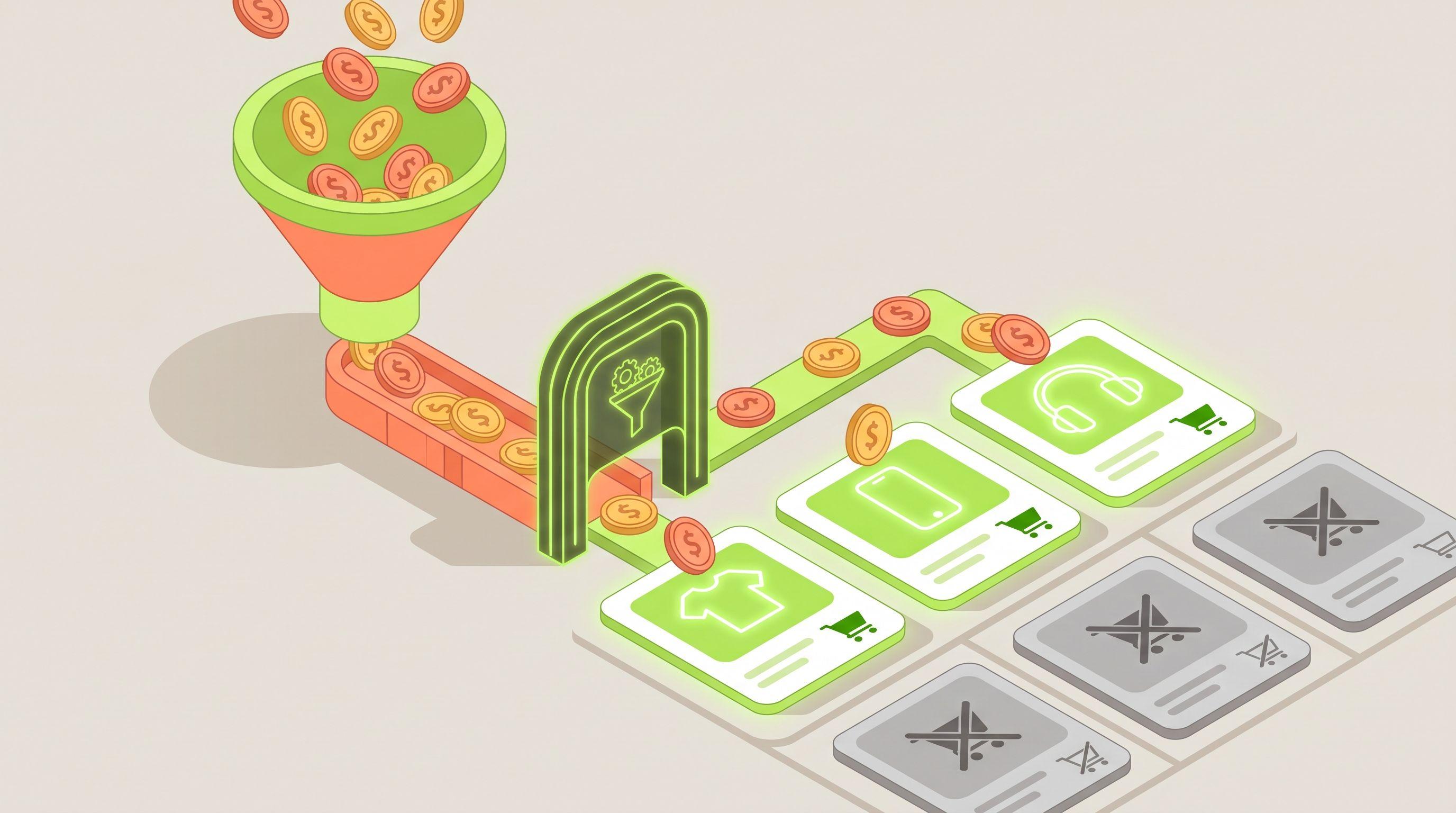
Products Price War can't match get no price position and keep their other labels, so they're never excluded by mistake.
What the numbers look like in a real catalog
On the Price War page, Feedance shows results from one fashion catalog of 38,010 products:
| Price position | Share of matched products |
|---|---|
| Best price | 52.7% |
| Same price | 3.5% |
| More expensive | 43.8% |
In that catalog, more than four in ten matched products were more expensive than at least one competitor. That's a large part of a Shopping budget at risk. Every catalog is different, so the first step is always to measure your own.
Four ways teams use Price War
1. Stop spending on products you can't win
Combine price position with performance. A product that is more_expensive and also Toxic in 4T Segmentation (high traffic, low return) is losing the comparison and the sale. Exclude it from prospecting with a product filter, or exclude its label in your Performance Max listing groups. A more expensive product that still converts stays live. Our guide to excluding uncompetitive products covers the setup per channel.
2. Put more budget behind products where you have the best price
Products labeled best are the ones most likely to win the comparison. Split them into their own campaign or listing group using the custom label, and set targets that let them scale. Feedance doesn't change bids or budgets itself; the label gives your Google Ads setup a clean group to work with.
3. Give the pricing team a list to act on
Because cheapest_competitor names who is cheaper, your pricing or category team gets a specific list: these products, this competitor. They can decide where a small price change makes sense and where the margin isn't worth it. When the price changes, the product moves to best or same on the next sync and goes back into the right campaign on its own.
4. Use the same signal beyond Google
Shoppers who see your product on Meta or TikTok often check Google before they buy. Since Price War writes into every export, you can build Meta and TikTok product sets that leave out products you're losing on in Shopping, or promote the ones where you have the best price.
Price War next to Product Score and 4T
Price War answers "can this product win on price?". Product Score and 4T Segmentation answer "does this product sell when people see it?". Used together, they separate four very different situations:
| Converts well | Doesn't convert | |
|---|---|---|
| Best price | Scale it. | Not a price problem. Check images, sizes, stock and the product page. |
| More expensive | Keep it live. Brand, delivery or reviews are winning the sale. | Exclude from prospecting, or review the price. |
Setting it up
- Connect Price War from the Integrations section in Feedance.
- Choose the competitors you want to compare against.
- Review the price position distribution for your catalog.
- Add the Price War fields to the channel exports you want.
- Create filters or custom-label exclusions for the groups you want to treat differently.
FAQ
How is Price War different from Google's price competitiveness report?
Google's report compares you with a click-weighted market average and stays in Merchant Center. Price War compares each product with specific competing sellers, names the cheapest one, and writes the result into your feeds so campaigns can use it.
Does Price War change my prices?
No. It labels each product's price position. Prices, bids and budgets stay under your control.
What happens to products with no competitor match?
They get no price position and keep their other labels, so performance data still decides how they're treated.
Can I use Price War outside Google?
Yes. The fields go into every channel export, including Meta and TikTok catalogs.
How often does the price position update?
On every feed sync. How often feeds update depends on your plan, from every 30 minutes to weekly, or every 15 minutes from a delta feed.
See where you're losing on price
Book a demo and we'll show your catalog's price positions and which competitors are undercutting you in Google Shopping.
Sources

Kardelen Yılmaz works on growth at Feedance, where she helps e-commerce brands and agencies get more return from every product they advertise. She writes about product feed quality, Shopping and Performance Max campaigns, creative automation, and how AI-driven shopping is changing product visibility.
LinkedIn