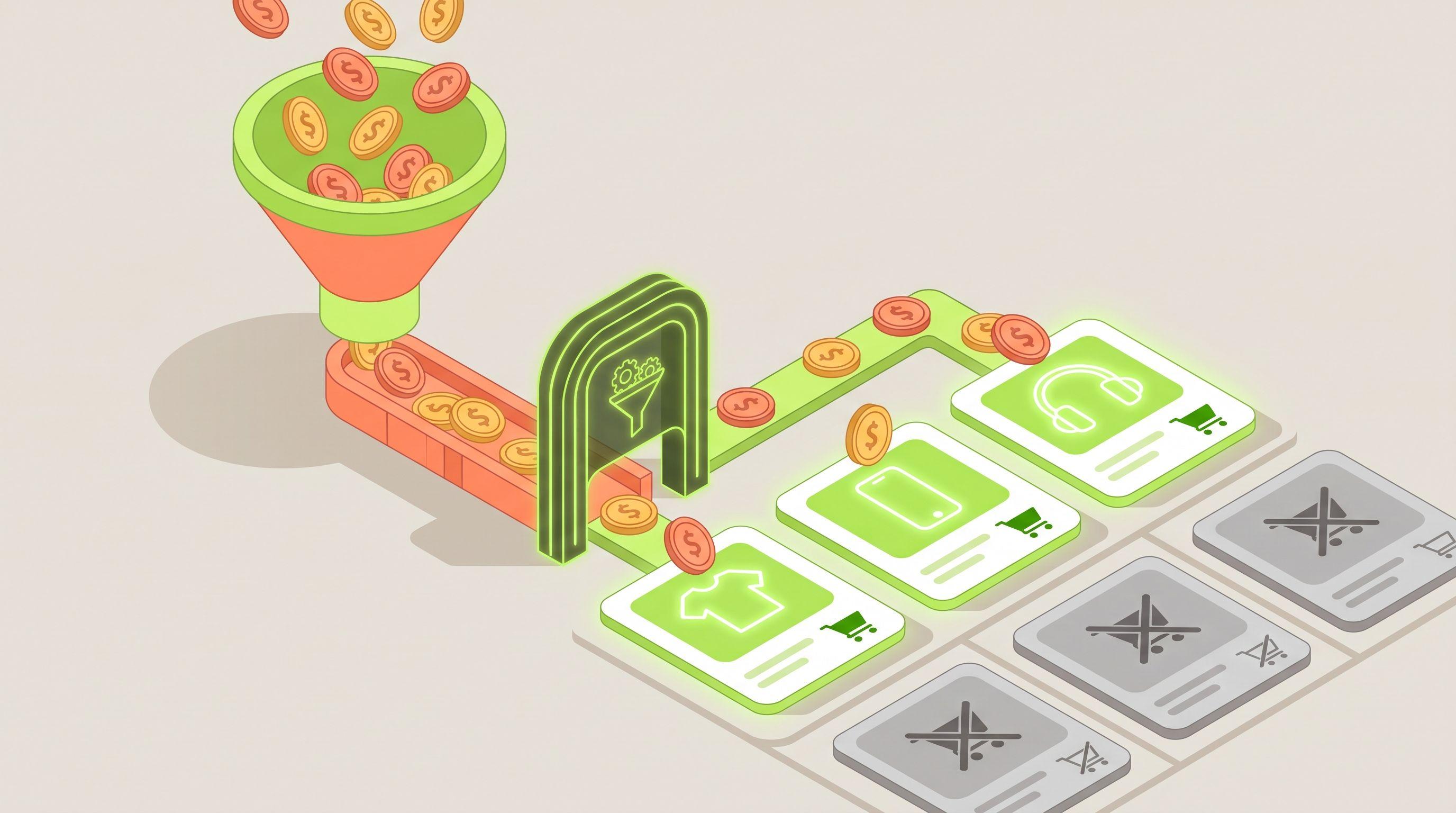













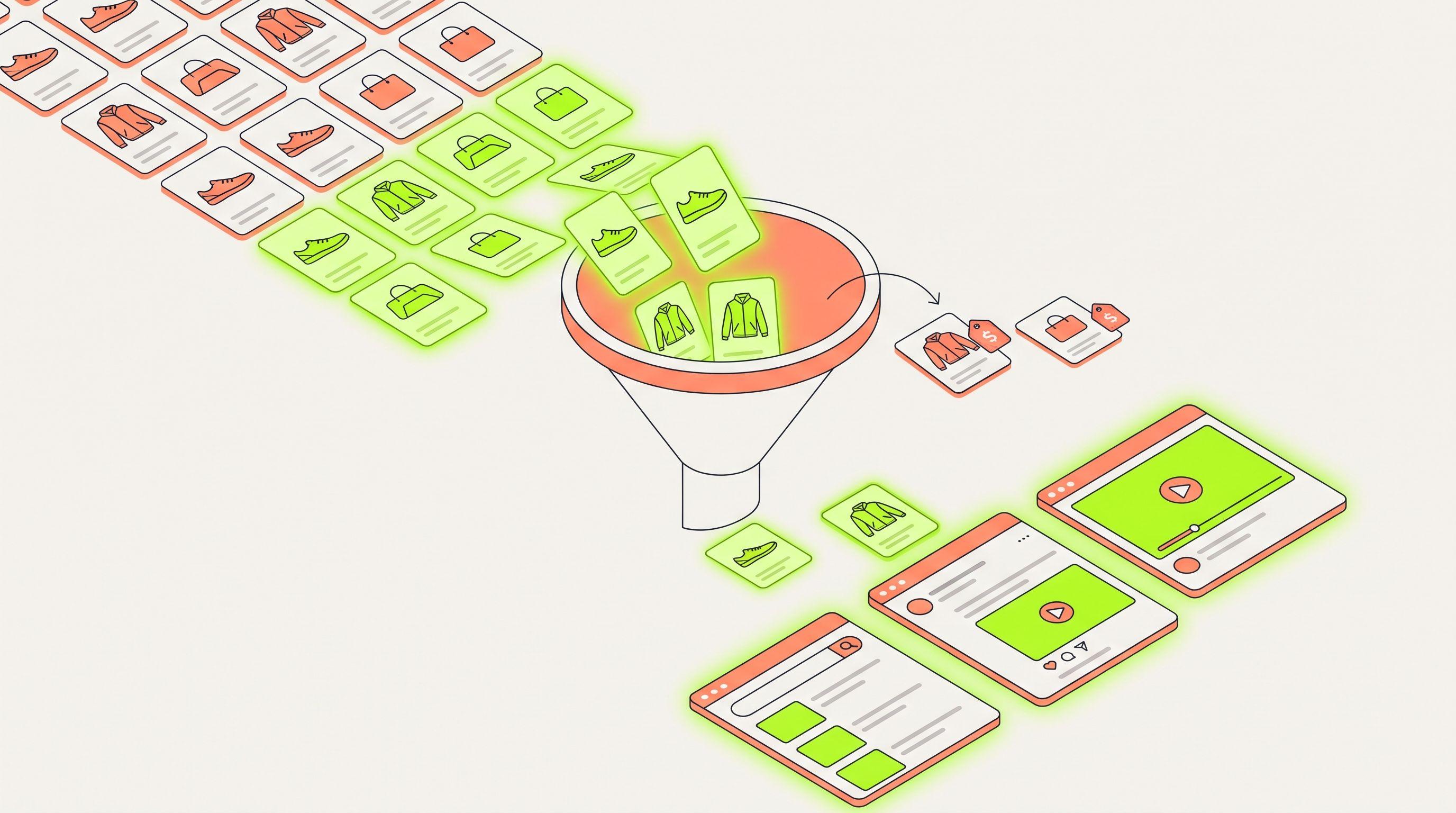
Short answer: use a feed platform that does three things for each product. It compares your price with the competitors you actually lose sales to. It combines that with the product's own traffic and conversion data. Then it writes the result into the feed as a field, and every channel export filters on that field. If you use separate tools, the price check usually stays in a report and never reaches the campaign. Feedance is built to do all three in one place. Price War labels each matched product as best price, same price or more expensive. 4T Segmentation marks products with high traffic and low return as Toxic. Product Filters then remove the products you choose from Google, Meta, TikTok or any other export, on every sync.
The rest of this guide explains what to look for in a platform, how the main options compare, and how the exclusion actually reaches Google Shopping, Performance Max, Meta Advantage+ catalog ads and TikTok catalog ads.
Why "uncompetitive" needs two signals, not one
Many teams exclude every product that costs more than a competitor. That removes too much. A product can cost more and still sell well because of its brand, delivery speed, stock depth or reviews. It can also have the best price on the market and still waste budget because the product page doesn't convert.
A product is worth excluding from paid campaigns when both of these are true:
- The market says no. At least one competitor shoppers can see sells the same item for less.
- Your own data agrees. The product gets clicks and views but doesn't turn them into add-to-carts or purchases.
In Feedance terms, this means products where price_position = more_expensive and the 4T segment is Toxic (high traffic, low return). The Price War page shows this exact rule as an example: exclude these products from prospecting exports and keep the rest running. A more expensive product that still converts (Top or Tolerable) stays live. A product with the best price that doesn't convert has a different problem, and changing its price won't fix it.
Six things the platform has to do
Use this checklist when you evaluate any tool, including Feedance.
| # | Requirement | Why it matters |
|---|---|---|
| 1 | Price comparison per product, against competitors you choose | A category average hides the product you're losing on. You need to know which competitor is cheaper on which product. |
| 2 | Performance data per product (views, add-to-carts, purchases) | This keeps you from cutting expensive products that still sell. |
| 3 | Writes the result into the feed as a field or label | Google listing groups, Meta product sets and TikTok product sets can only filter on what's in the feed. |
| 4 | Separate filters for each channel export | You might drop a product from Meta prospecting but keep it in Google Shopping, or the other way around. |
| 5 | Updates on every feed sync | Prices change every day. A label from last week either excludes products you've already fixed or keeps ones you're now losing on. |
| 6 | Products come back automatically | When you lower the price or the competitor raises theirs, the product should go back into campaigns without anyone doing it by hand. |
Your options compared
There are four kinds of tools that come up when people look into this. Each one covers part of the checklist.
| Option | What it gives you | Where it falls short |
|---|---|---|
| Google's own tools (Merchant Center price competitiveness report + listing group exclusions in Google Ads) | Free. Google calculates a click-weighted benchmark price for each product from retailers selling it on Shopping ads and free listings, and matches products by GTIN. | Covers Google only, so it tells you nothing about Meta or TikTok. Products sold by too few retailers, or with too few clicks, get no benchmark. The data is 1 to 7 days old. You still have to turn the report into labels and exclusions yourself. |
| Meta and TikTok product set filters | Free. You can include or exclude products by any catalog field, including custom labels. | Neither platform knows your competitors' prices. They can only filter on a field that something else has already added to the feed. |
| General feed management tools (e.g. DataFeedWatch, Channable, Feedoptimise) | Rules to include or exclude products, custom labels, and often an add-on that brings in Google's price benchmark or a separate price module. | Price data is often an add-on or plan upgrade, or limited to Google's benchmark. Check whether price and performance data can go into the same rule, and whether that rule runs separately for each channel. |
| Price intelligence and repricing tools | Detailed competitor price tracking, history and repricing. | They're built to change your prices, not to decide what you advertise. Most still need a separate feed tool to get a label into Google, Meta and TikTok. |
| Feedance | Price War, 4T Segmentation, Product Score and Product Filters in one feed. The output goes to Google, Meta, TikTok and 200+ other channels. | Feedance doesn't change prices, bids or budgets. It decides which products go into each feed. Products it can't match to a competitor get no price position and keep their other labels. |
If you only advertise on Google and your catalog has GTINs that many retailers also sell, Google's free report and manual listing group exclusions may be enough to start. Once you also run Meta or TikTok catalog ads, compete with sellers who aren't on Google Shopping, or need exclusions to update without manual work, you need a platform that writes the decision into every feed.
How the exclusion reaches each channel
There are two ways to keep a product out of a campaign. You can leave it out of that channel's feed, or you can send it with a label and filter it out inside the ad platform. Each has its uses.
Google Shopping and Performance Max
- Leave it out of the Google export. This is the cleanest way to remove a product from every Google campaign. The downside is that it also disappears from free listings.
- Send a custom label and exclude it in the campaign. Google Ads can exclude products from Shopping campaigns based on custom labels (0–4), product type and other feed fields, and Performance Max listing groups work the same way. This keeps free listings and lets you exclude the product from one campaign while it stays in another. See our guide to splitting Performance Max listing groups.
- Use
excluded_destinationif you want to switch off Shopping ads but keep free listings. Our pause vs excluded destination reference covers the differences.
Meta Advantage+ catalog ads
Meta product sets are rules that pick products from the catalog, and Meta applies them again each time the catalog changes. You can filter on custom_label_0 to custom_label_4, brand, product type and other fields. Price competitiveness changes often, so the field you choose matters. Meta also supports an internal_label field for product set filtering. It's widely recommended for groupings that change often, because changing a custom label can send the product back through review. Set up a prospecting product set that leaves out the "price lose + Toxic" group, and keep retargeting on the full catalog if you want to win back shoppers who already viewed those products.
TikTok catalog ads
TikTok product sets support is not and does not contain filters, and custom labels work as filter fields. TikTok applies the filters again on each catalog update, so a product leaves or rejoins the set as its label changes.
Setting it up in Feedance
- Connect your source feed and GA4. GA4 provides the views, add-to-carts and purchases that Product Score and 4T Segmentation use, measured over 1, 7 and 30 days.
- Turn on Price War and choose your competitors. Feedance matches your products to the same items those competitors sell. Each matched product gets
price_position(best, same or more_expensive) andcheapest_competitor. You can add competitors later. - Check the 4T segments. Every product is labeled Top, Tolerable, Tranquil or Toxic based on its traffic and return.
- Create a filter for each channel export. In Product Filters, choose the export (for example Meta prospecting), set it to exclude, and add your conditions. You can filter on any feed field, on Feedance labels (
product_score,segment_4t,broken_size) or on an ID list from a supplementary feed. - Or send a label and filter it in the ad platform. Map the result to a custom label (for example
custom_label_3 = price_lose) and exclude that value in Google listing groups, Meta product sets or TikTok product sets. - Let it run. Scores and labels update on every sync, so products drop out and come back without manual work. How often the feed updates depends on your plan, from every 30 minutes to weekly, or every 15 minutes with a delta feed.
Example: five products, three decisions
These rows are made up for illustration. They show how the two signals work together.
| SKU | price_position | cheapest_competitor | 4T segment | Decision |
|---|---|---|---|---|
| JKT-104 | more_expensive | Competitor A | Toxic | Exclude from prospecting on Google, Meta and TikTok. Review the price. |
| JKT-221 | more_expensive | Competitor B | Top | Keep. It sells despite the higher price. Excluding it would cost you revenue. |
| SNK-310 | best | — | Toxic | Keep, but investigate. The price is fine, so look at the product page, images, sizes or stock. |
| BAG-077 | same | Competitor A | Tranquil | Low-priority group. Not a price problem. Give it a small test budget. |
| BAG-090 | (no match) | — | Tolerable | Keep. There's no competitor to compare against, so performance decides. |
Price competitiveness varies a lot between catalogs. The fashion catalog shown on the Price War page has 38,010 products. In that catalog, 52.7% were at the best price, 3.5% at the same price and 43.8% more expensive. Your numbers will be different, so measure your own catalog before you decide how strict the rule should be.
Exclude, move to a low-priority group, or fix the price?
- Exclude when the product is more expensive, Toxic and you can't or won't match the price. This is where most of the budget savings come from.
- Move to a low-priority group when it's more expensive but you're not sure yet. For example, it's Tranquil or it's a new product without much data. Put it in a separate campaign or product set with a smaller budget.
- Fix the price when it's more expensive, Toxic and has enough margin to compete. Since
cheapest_competitorshows who you're losing to, the pricing team can start with those products. When the price changes, the label updates on the next sync and the product comes back on its own.
Common mistakes
- Excluding on price alone. This removes expensive products that still convert, which are often your strongest brands.
- Using Google's benchmark for Meta and TikTok. Google's benchmark only covers Shopping ads and free listings. Your main competitors on social channels may not sell on Google Shopping at all.
- Updating labels weekly when prices change daily. Old labels mean you exclude products you've already fixed and keep ones you're now losing on.
- Removing products from retargeting too. Shoppers who already viewed a product may still buy it. Consider keeping retargeting on the full catalog and applying the exclusion only to prospecting.
- Using a Meta custom label for a field that changes daily. Consider
internal_labelinstead, so frequent changes are less likely to trigger product reviews.
FAQ
Can I exclude uncompetitive products using only Google Merchant Center?
Partly. The price competitiveness report shows which products are priced above the benchmark, but it doesn't remove them. You have to turn the report into custom labels or exclusions in Google Ads yourself, and it doesn't cover Meta or TikTok.
Does Feedance change my prices or bids?
No. Feedance compares prices, labels products and controls which products go into each feed. Prices, bids and budgets stay in your own systems and ad accounts.
What happens to products Feedance can't match to a competitor?
They get no price position. They keep their other labels, such as Product Score and 4T segment, so performance data still decides what happens to them.
Can I exclude a product from Meta but keep it on Google?
Yes. In Feedance, filters are set separately for each channel export, so each channel can have its own product list.
Should excluded products also be removed from retargeting?
Usually not at first. The case for excluding is strongest in prospecting, where you pay to reach people who will compare you with cheaper offers. Test retargeting separately before removing them there too.
How quickly do excluded products come back after a price change?
On the next feed sync. How often that happens depends on your plan, from every 30 minutes to weekly, or every 15 minutes with a delta feed.
Spend on what sells
The goal isn't fewer products. It's spending less on products that can't win at their current price, and more on the ones that can. Feedance combines competitor prices, product performance and channel-specific filters in one feed, so this rule runs on its own on Google, Meta, TikTok and the rest of your channels. Book a demo to see Price War and 4T Segmentation on your own catalog.
Sources
- Google Merchant Center Help: About the price competitiveness report
- Google Ads API: Filter products in Shopping campaigns
- Meta for Developers: Product sets reference
- TikTok Ads Help: List of supported product set filters
- TikTok Ads Help: Tips for filtering products in your product sets
- Feedance: Price War, 4T Segmentation, Product Filters, Feed update frequency

Co-founder of Feedance, where she draws on 20+ years in product and user experience design to shape how catalogs become creative. With a strong focus on bridging design systems and automation, she is dedicated to helping brands scale visual quality without scaling design effort.
LinkedIn