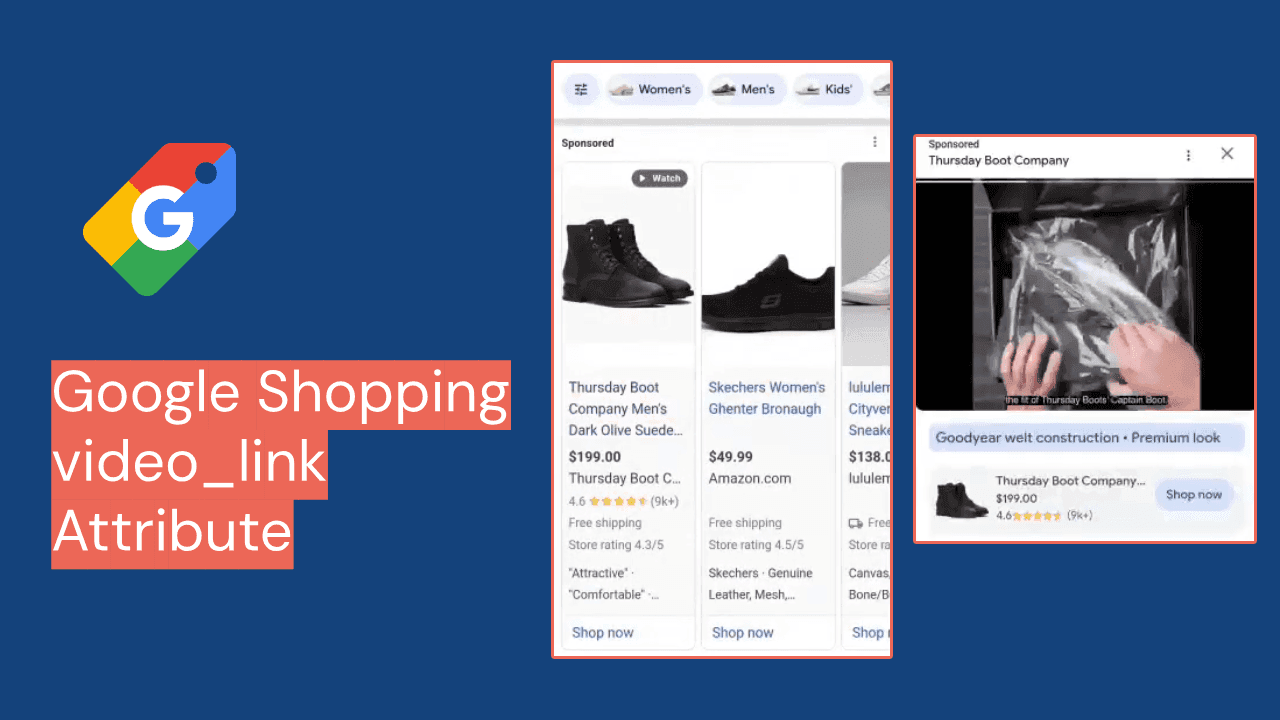














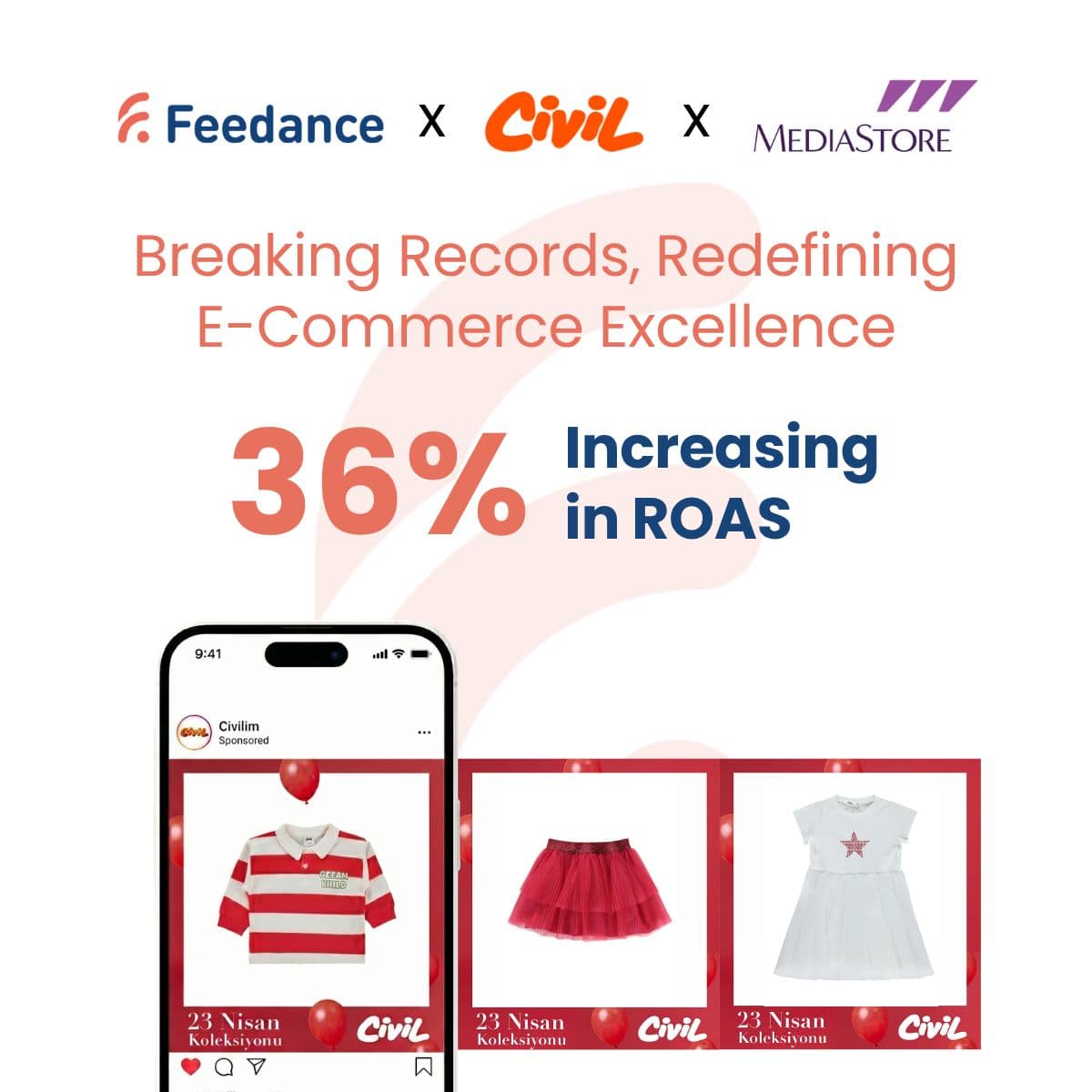
Product videos in minutes.
Turn product data and images into short videos with transitions, animation and text overlays that match your brand. No design or video editing team needed.

 app.feedance.com
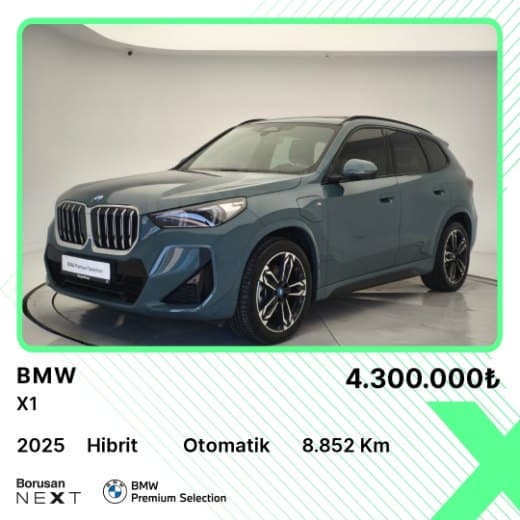
Video for every product, without an editing suite.
Video creatives turn your product feed into finished videos for social ads and product showcases, for hundreds or thousands of products, in minutes.
Video brings more engagement than static images or text. Templates fill in from the feed, so every video stays correct, consistent and current, without a design or video editing team.
- Video produced automatically from feed data
- Templates you can brand and adjust
- Templates sized for Meta and TikTok placements
- Prices, discounts and stock stay current

Every scene reads from the feed.
A video template is set up once. Its scenes are mapped to fields in your feed, so every product gets its own video. Field names below are examples.
| Scene | Feed field | Changes when |
|---|---|---|
| Product shots | g:image_link | the product images change |
| Headline | g:title | the product title changes |
| Price | g:priceg:sale_price | the price or discount changes |
| Call to action | template text | you edit the template |
| Sized for | MetaTikTokGoogle | |
Automation, templates and live data.
- Automated video creationDynamic transitions, animations and text overlays, built for each product from the feed.
- Personalized templatesColors, fonts, logos, taglines and calls to action. Tailor pacing to each campaign.
- Dynamic contentVideos that update with current discounts, stock availability or a countdown for limited offers.
- Catalog scaleCreate videos for hundreds or thousands of products within minutes.
From feed to video.
- Choose a templateStart from a customizable video template.
- Brand itSet colors, fonts, logos and call-to-action text, plus pacing and structure.
- Map scenes to feed dataTemplates fill in from the feed, so every video is correct and consistent.
- Generate and publishCreate videos for your whole catalog and send them to your channels.
Videos that keep up with your campaigns.
- Flash salesFast-paced promotions that show the current discount.
- High-ticket productsSlower, feature-rich walkthroughs for products that need more detail.
- New arrivalsHighlight a new product line as soon as it lands in the feed.
- Best sellersFeature the products that already earn.
Questions about video creatives
How feed-driven videos work in practice.
Which creative formats can Creative Suite produce?
Static images, HTML5 creatives and videos. All three are built from your product feed data and branded with your own assets.
Do I need a video editing team?
No. Videos are generated from your feed and templates, with transitions, animations and text overlays included.
Which channels are the videos made for?
Templates are sized for Meta and TikTok placements, and videos can be used on Google as well.