
















01 · Feed Rules
Change any field,
for any product
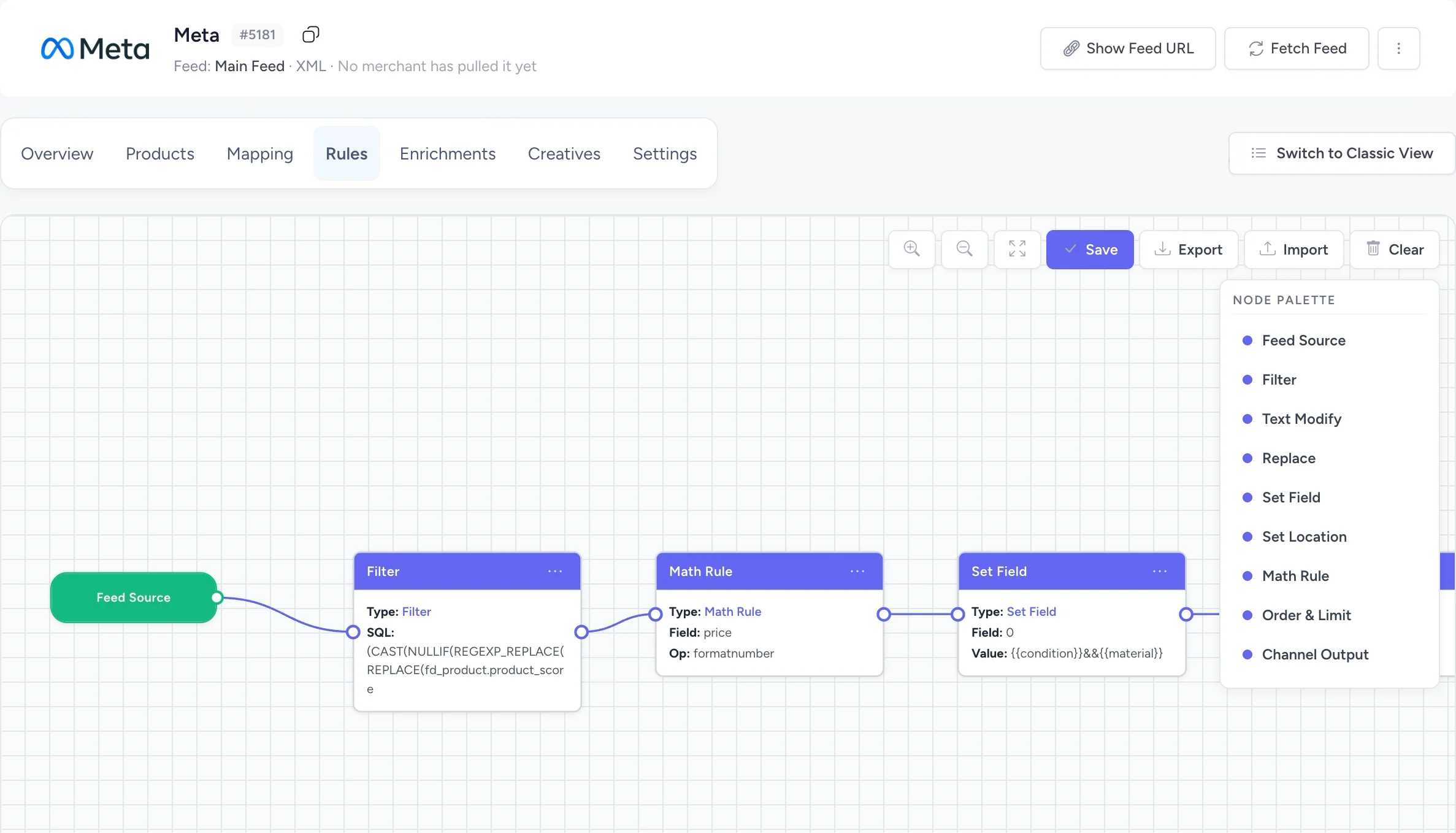
Rules change how any field appears, for every product or only for the products and channels you choose. No manual edits, and your source data stays as it is.

 app.feedance.com


Clean, structure and tailor one product feed for Google, Meta, TikTok and 200+ channels. Then use Product Score and 4T labels to decide which products each channel gets.
app.feedance.comEvery time your catalog syncs, the feed runs through the same five steps before it reaches a channel.
Each feature works on its own or together. Open a feature's page for the full detail.
Rules change how any field appears, for every product or only for the products and channels you choose. No manual edits, and your source data stays as it is.
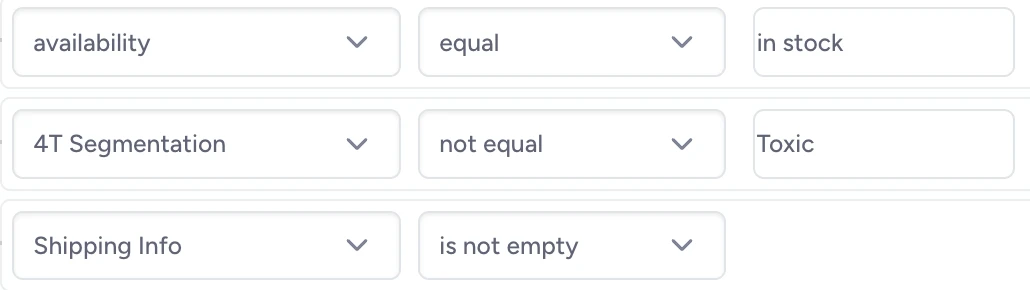
app.feedance.comFilters include or exclude products by any attribute or label, per channel. Keep out-of-stock items, broken size runs or Toxic products out of an export.
app.feedance.com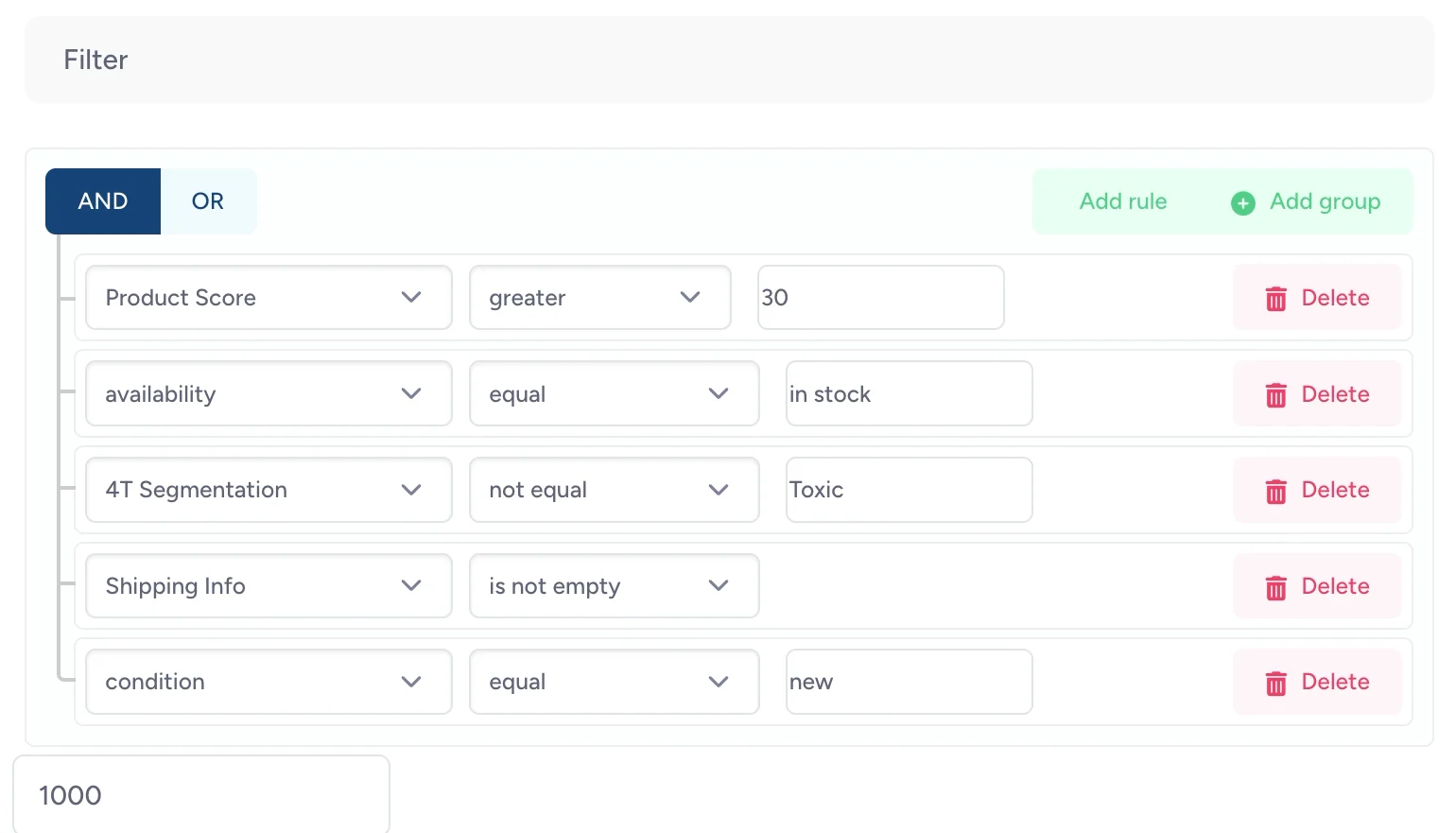
Every channel has its own format and required attributes. Feedance adapts one source feed to each of them, so you manage one feed instead of dozens.
app.feedance.com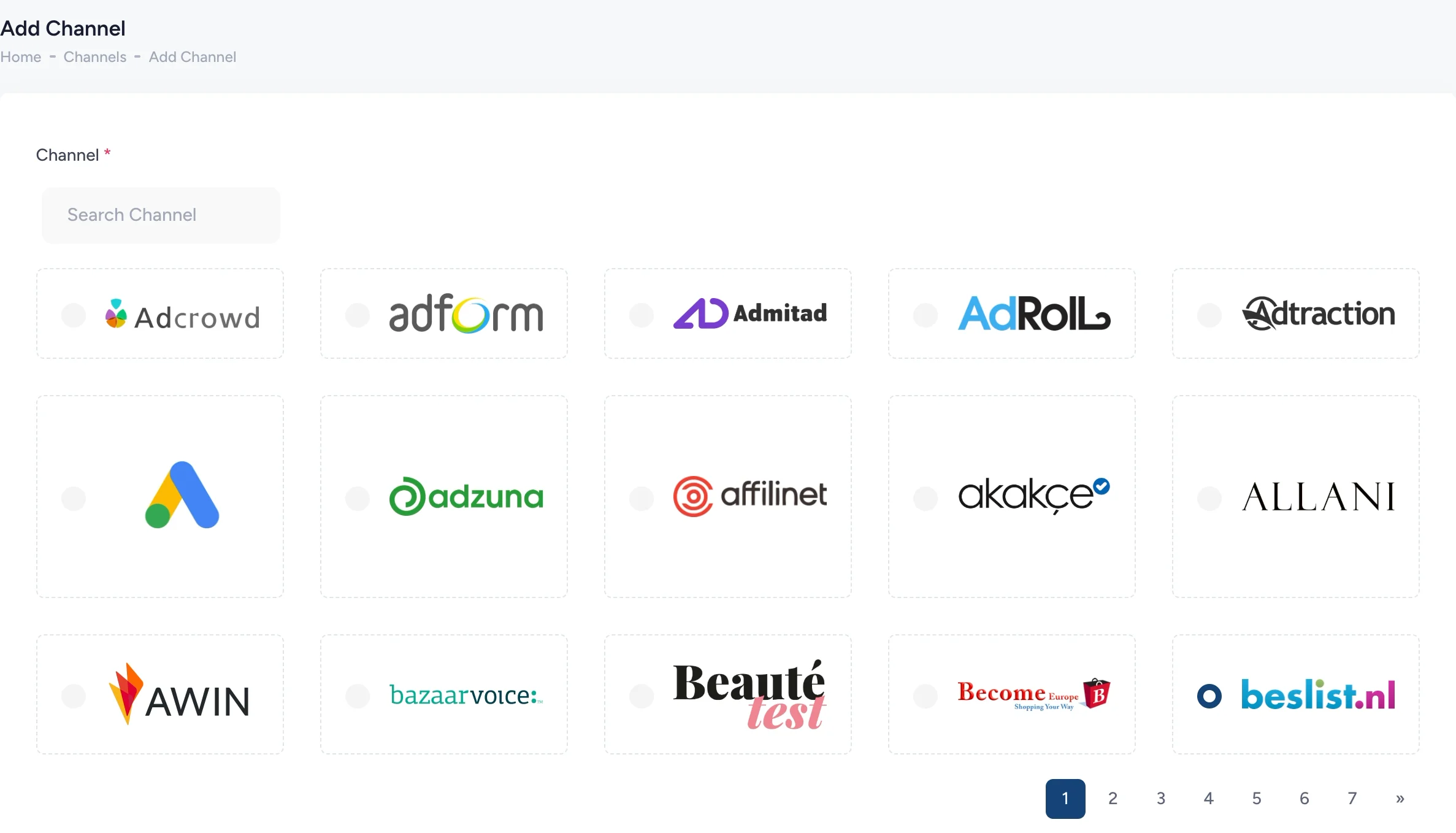

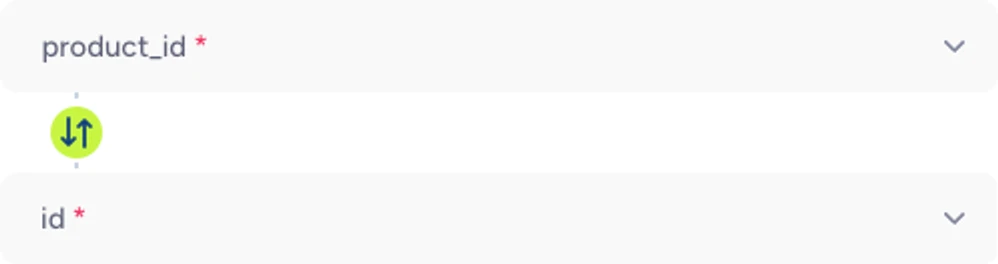
A supplementary feed adds or overrides attributes on top of your main feed without changing it. Use a sheet to fix titles, add sale prices or set campaign labels; Feedance merges it on every sync.
app.feedance.com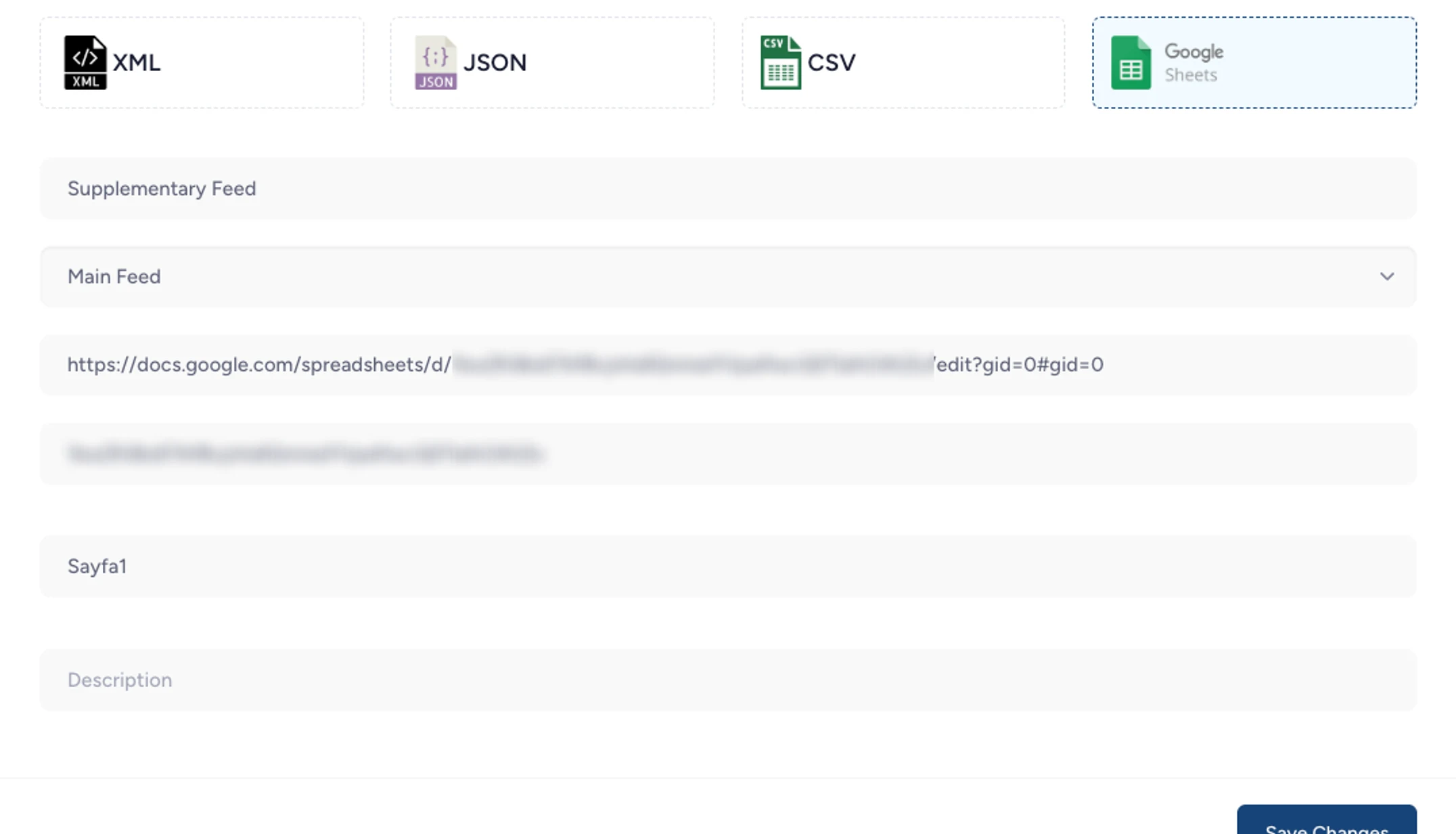
Feed Optimization is one of five Feedance modules. Each one has its own page.
A first set of answers. Open the full list for more.
Product Filters include or exclude products by any attribute or label, separately for each channel. You can build a feed for products with "white" in the title, one category, a price range or a hand-picked list of IDs. The same filters can keep out-of-stock items, broken size runs or Toxic products out of an export.
It cleans, structures and tailors one product feed for Google, Meta, TikTok and 200+ channels. Duplicates, errors and missing fields are fixed, and each export follows its channel's format and attribute rules. Feedance then adds labels for score, 4T segment, price position and broken sizes, so the feed carries a performance signal as well as valid data.
You risk rejected products and paying for clicks that cannot convert. Missing required attributes can get items rejected by a channel, while out-of-stock items and products with few sizes left still collect paid traffic. Optimization fixes the data first and excludes the products you should not pay to advertise.
No, the same five steps run on every sync, so new and changed products go through your rules and filters automatically. Feeds refresh from every 30 minutes to weekly, or every 15 minutes from a delta feed. Your plan sets the fastest frequency.
No, it changes the feed Feedance sends to each channel, not your store. Rules and supplementary feeds work on top of your source data, which stays as it is. To correct a title on your own site, you still change it at the source.
A complete e-commerce feed carries ID, title, description, image, price, availability, brand, GTIN or MPN, and category. Each channel then expects those values in its own format with its own required attributes. Feedance fills missing fields, maps your fields to each channel and lets you add data your source does not hold through a supplementary feed.
It decides which products each channel receives and how campaigns can group them. Filters set the product list per export, and labels reach Google and Meta through the feed, so you can build asset groups and product sets around them. Bids, budgets and audiences stay in your ad accounts.
No, feed optimization is included in Feedance: rules, product filters, categories, prices, supplementary feeds, enrichments and channel exports for 200+ channels. You connect your product feed or e-commerce platform, then manage one source feed in one place instead of a separate feed per channel.
Feedance adapts it to each channel by adjusting formatting, adding required attributes and mapping fields. Each export can also carry its own rules and filters, so channels can get different products and values. Your original product data stays unchanged, and you manage one feed instead of dozens.
A feed management tool keeps products eligible, while Feedance also tells campaigns which products deserve the budget. It covers the usual feed work, such as rules, filters and channel exports. It also scores every product and writes price and stock signals into the feed, so those exports can act on performance.
Yes, you can add a channel for a new region from the same source feed, including regional marketplaces and comparison sites. Feed Rules can set currency codes, decimal points and thousands separators in the format each market expects. Filters and rules can also differ per export, so each market gets its own product list and values.
Yes, shoppers see more accurate listings and land on fewer products they cannot buy. Filters can keep out-of-stock items and broken size runs out of an export, and rules keep titles and descriptions clean and consistent. Regular updates also help keep the prices and stock in your ads current.
It shifts paid traffic toward the products that earn, though no fixed uplift is promised. You can exclude Toxic products, which have high traffic and low return, and label high-scoring products so campaigns can favor them. Your results still depend on how you use those labels in your campaigns.
Compare your campaign results before and after in your ad accounts, ideally for the product groups you built from Feedance labels. Each sync also rescores the catalog, so Product Score and 4T segments show how products are moving. Feed Protection logs show which items were skipped and why, which helps you track data quality.
You can for a very small catalog, but every edit has to be repeated each time the feed or a channel's rules change. In Feedance, rules and filters run on every sync with no manual edits and no development work. When specific products need a hand fix, a supplementary sheet can correct just those.
Yes, particularly if you run Google Local Inventory Ads, because Feedance can add store-level stock to your feed. A location enrichment can also add a region or city, so products and labels can differ by place. Rules, filters and channel exports work the same as for an online-only catalog.
It can, mainly through shorter titles and app links. Feed Rules can trim titles to stay readable in placements such as Meta. If you have an app, the Deeplink Builder enrichment adds iOS and Android links, so ads open the product in your app instead of the mobile site.
Yes, Feedance AI works inside each step of the feed process. It maps products to Google categories, rewrites titles, finds anomalies such as unusual prices or fields, and cleans product images. Some AI features are still marked experimental, and you can ask about access during your demo.
Connect your feed and GA4. We show Product Score, 4T, Price War and Broken Size on your own catalog.