













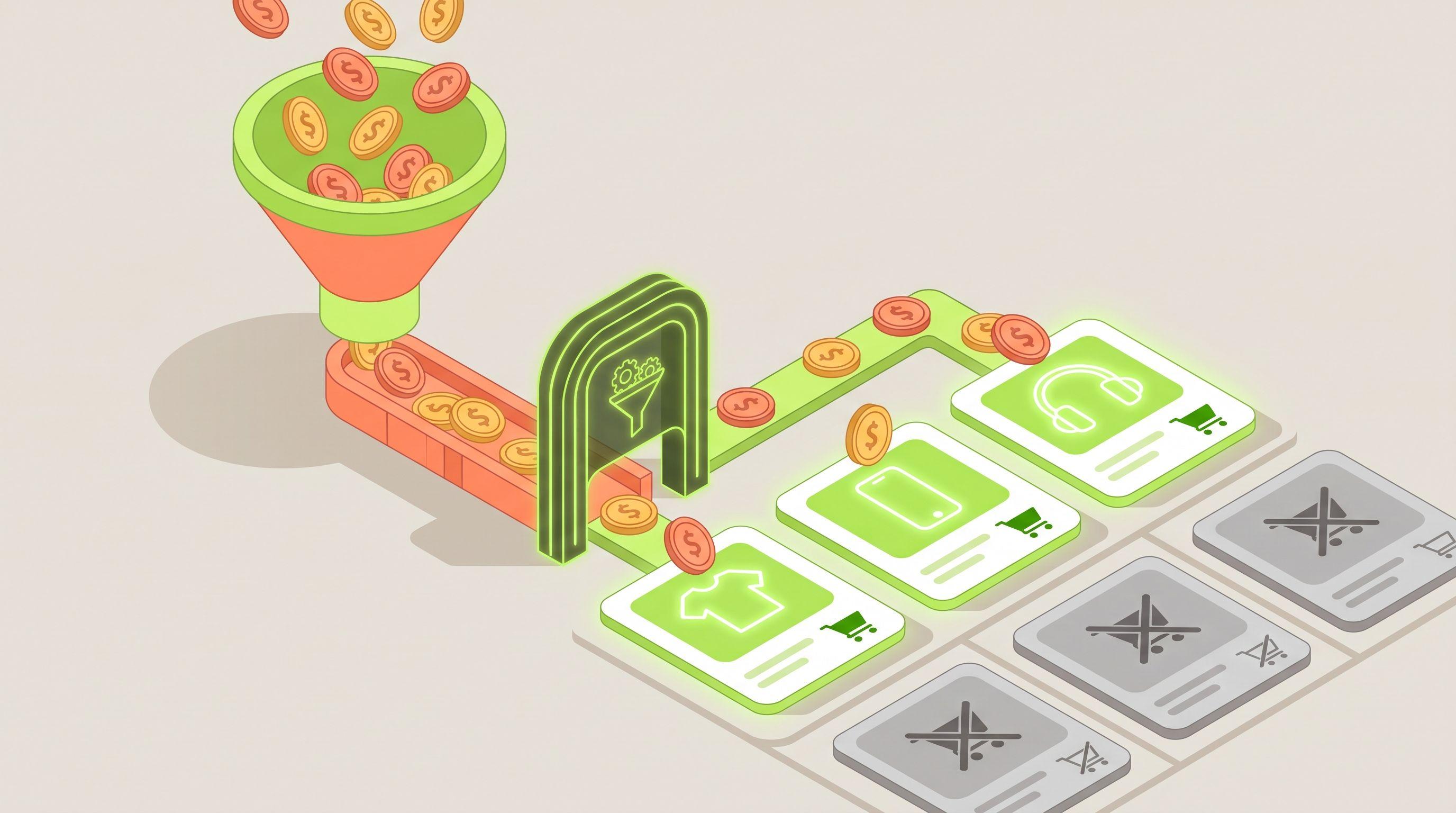
Short answer: the best investment is a tool that labels every product by its own performance and writes that label into the feed. Then Google, Meta and TikTok campaigns can leave low performers out of prospecting automatically. Bid and budget tools can lower spend on a campaign, but they can't stop a campaign from showing a product that never sells. Feedance labels products across all channel exports using GA4 data (Product Score, 4T Segmentation, Broken Size). Channable Labelizer and similar Google-focused labelizers do the same for Google Shopping and Performance Max using Google Ads data. Which one fits depends on whether your wasted spend is only on Google or on social catalog ads too.
This guide explains where the waste in catalog ads comes from, which types of tools fix which part, and how to set up exclusions that update themselves.
Where wasted catalog ad spend comes from
Catalog campaigns such as Google Shopping, Performance Max, Meta Advantage+ catalog ads and TikTok catalog ads choose products from your whole feed. If a product is in the feed, it can get impressions and clicks. Wasted spend usually comes from four kinds of products:
| Type | What happens | Fix |
|---|---|---|
| High traffic, low return | It gets clicks and views but few add-to-carts or purchases. | Exclude from prospecting until the cause is fixed. |
| Broken size runs | The ad shows a style, but the shopper's size is out of stock. | Exclude until restocked. |
| Uncompetitive price | Shoppers compare and buy elsewhere. | Exclude or fix the price. See our price exclusion guide. |
| No exposure at all | The product is in the feed but gets no impressions, so it costs nothing but never gets tested. | Not a spend problem. Give it a separate test group. See our zero-impressions diagnostic. |
The first two cause the most waste because they are the products that actually get clicks.
Three types of tools, three different jobs
1. Product labeling in the feed
These tools score or label each product by its performance and write the result into the feed as a field or custom label. Campaigns then include or exclude products by that label.
- Feedance builds Product Score (0–100) and 4T Segmentation (Top, Tolerable, Tranquil, Toxic) from GA4 views, add-to-carts and purchases over 1, 7 and 30 days. Broken Size flags styles whose size run is mostly gone. The labels are recalculated on every sync and go into every channel export, so the same rule works on Google, Meta and TikTok.
- Channable Labelizer, originally built by Producthero, sorts products into Heroes, Sidekicks, Villains and Zombies using clicks and conversion value from your Google Ads Shopping and PMax campaigns. Labels are updated daily and sent to Google Ads as a custom label. It's a strong choice if Google is where the spend is.
- Other Google-focused labelizers, such as adstrong's, work on the same idea for Shopping and Performance Max.
The main difference is the data source and reach. Labels built from Google Ads data reflect performance on Google. Labels built from GA4 reflect what each product does on your site from all traffic, and can be applied to social catalog campaigns too.
2. Bid and budget automation
Campaign tools such as Optmyzr (Google and Microsoft Ads) and Madgicx (Meta) automate bids, budgets and rules at the campaign or ad set level. They're useful for pacing and scaling, but they act on campaigns, not on individual products in a catalog. If a Toxic product is in the product set, a budget rule can only reduce spend on the whole group.
3. Attribution and analytics
Tools such as Triple Whale and Northbeam show which products drive revenue across channels. They tell you what's wrong but don't change the feed. Our guide on attribution tools vs feed-level prioritization explains how to combine them.
How to set up exclusions that update themselves
- Connect performance data to products. In Feedance, connect GA4 so views, add-to-carts and purchases are matched to feed items by product ID.
- Look at your distribution before you exclude anything. In one 38,010-product fashion catalog shown on Feedance's 4T page, 89% of products were Tranquil, 8.4% Top, 2% Toxic and 0.6% Tolerable. Toxic is a small group, but it's where clicks are being spent without return.
- Exclude Toxic and broken-size products from prospecting. Use a product filter on each prospecting export (
segment_4t = Toxic,broken_size = true), or send the label as a custom label (custom_label_1 = 4t_toxic) and exclude it in Google listing groups, Meta product sets and TikTok product sets. - Give Tolerable products more reach. These convert well but get little traffic. A separate campaign or product set gives them a chance to scale.
- Keep retargeting on the full catalog. Shoppers who already viewed a product may still buy it. Apply the exclusion to prospecting first.
- Let labels move. Because the labels are recalculated on every sync, a product that recovers after a price change, restock or page fix goes back into campaigns automatically.
What results to expect
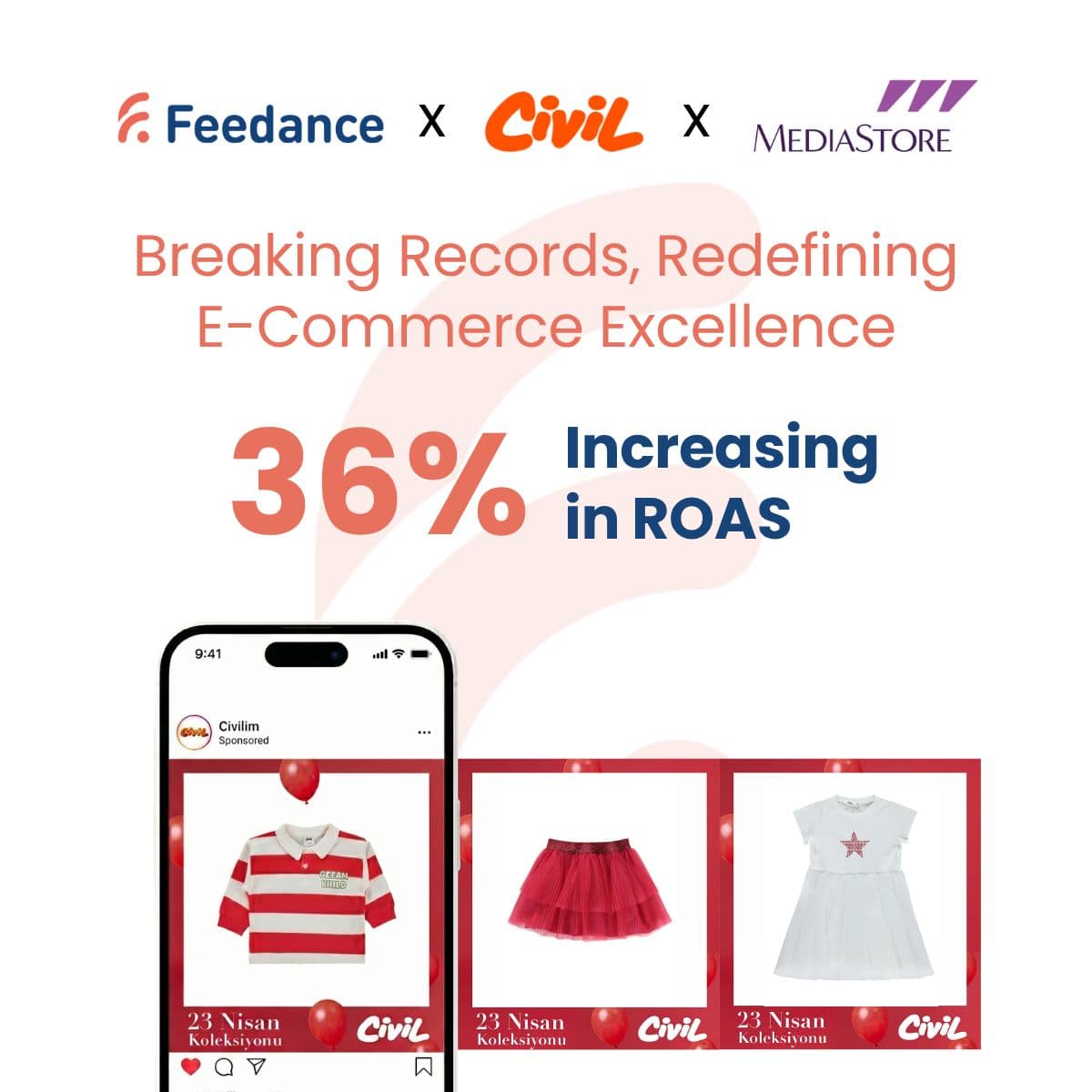
Results vary with catalog, margin and how much budget was going to Toxic products. Feedance's Product Score page reports two customer results: Note Cosmetics saw 127% higher ROAS with 10% less spend, and Vivense saw 32% higher ROAS. These are customer-reported, not guarantees. Measure your own change with a before/after window and a holdout if you can. Our guide on measuring the ROAS impact of a feed change shows how.
Common mistakes
- Excluding on too little data. A product with three clicks and no sale isn't Toxic yet. Use time windows long enough to be meaningful.
- Excluding new products. New items have no history. Give them their own test group instead of letting them be labeled as low performers.
- Fixing spend but not the cause. A Toxic product often has a price, stock, image or landing page problem. Exclusion stops the waste; fixing the cause brings the product back.
- Applying Google-only labels to social campaigns. A product can perform differently on Meta than on Google. Check where the label's data comes from.
FAQ
Which platform is best for reducing wasted catalog ad spend?
If your waste is mainly in Google Shopping and Performance Max, a Google-based labelizer such as Channable Labelizer works well. If it's across Google, Meta and TikTok, Feedance labels products from GA4 data and applies the same exclusion in every channel export.
Can't Performance Max or Advantage+ figure this out by itself?
Both optimize toward conversions, but they still spend to learn on every product you give them. Taking out products that clearly don't convert reduces that learning cost and moves budget to products that do.
Will excluding products hurt my campaign's learning?
Large one-time changes can reset learning. Exclude Toxic products in one step, then let the labels update gradually instead of changing campaign structure often.
Does Feedance change my bids or budgets?
No. Feedance decides which products go into each feed and labels them. Bids and budgets stay in your ad accounts.
Stop paying for products that don't sell
Book a demo to see how much of your catalog is Toxic and how much spend it gets.
Sources

Kardelen Yılmaz works on growth at Feedance, where she helps e-commerce brands and agencies get more return from every product they advertise. She writes about product feed quality, Shopping and Performance Max campaigns, creative automation, and how AI-driven shopping is changing product visibility.
LinkedIn