













See your products as
ads that stop the scroll
Enter your store or a product page. We pick a product, read its photo, price and your logo, and show the plain catalog ad next to the same ad with a Feedance creative template.
From address to ad
in about 20 seconds
No sign-up and no install. The preview reads your store the way a shopper sees it.
- 01
Enter your store
Your home page or any product page. If you give the home page, we find a product with a photo and a price, preferably one on sale.
- 02
We read product and brand
Photo, name, price and sale price come from the page and its structured data. Your logo and brand colour come from the header and theme of your site.
- 03
Compare and download
See the plain ad and the template side by side in a Meta feed, switch between four templates and download the creative as a 1080 × 1080 image.
Why catalog ads need
more than a product photo
Meta catalog ads (Advantage+ catalog ads, formerly dynamic product ads) show the photo from your product feed. On a white background, without your brand or price, these ads look like every other store's ad in the feed, and shoppers scroll past them.
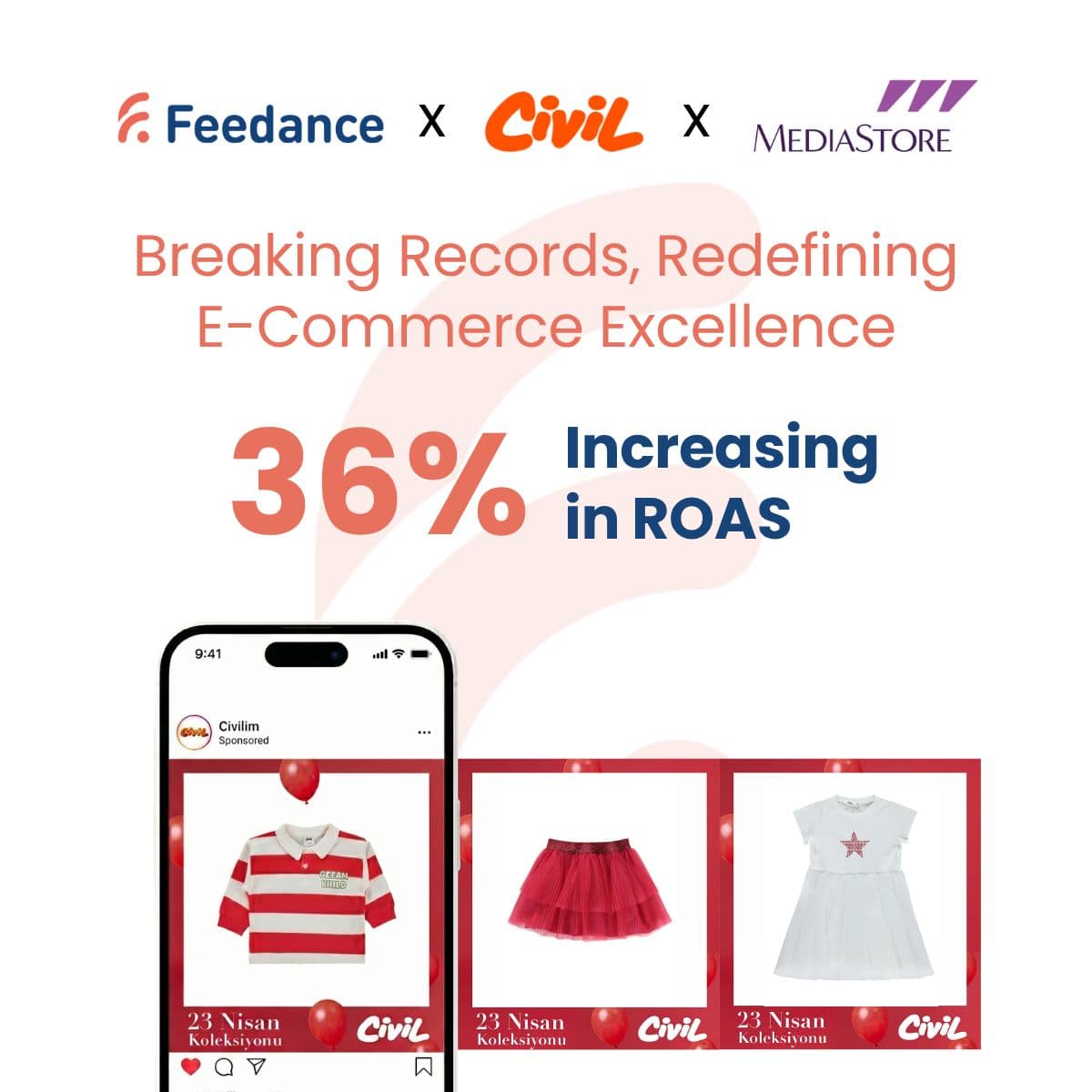
Catalog creative templates draw your logo, brand colours, price, discount and selling points such as free shipping onto each product image. Because the template reads the values from your feed, every product gets its own creative, and the image changes when the price does.
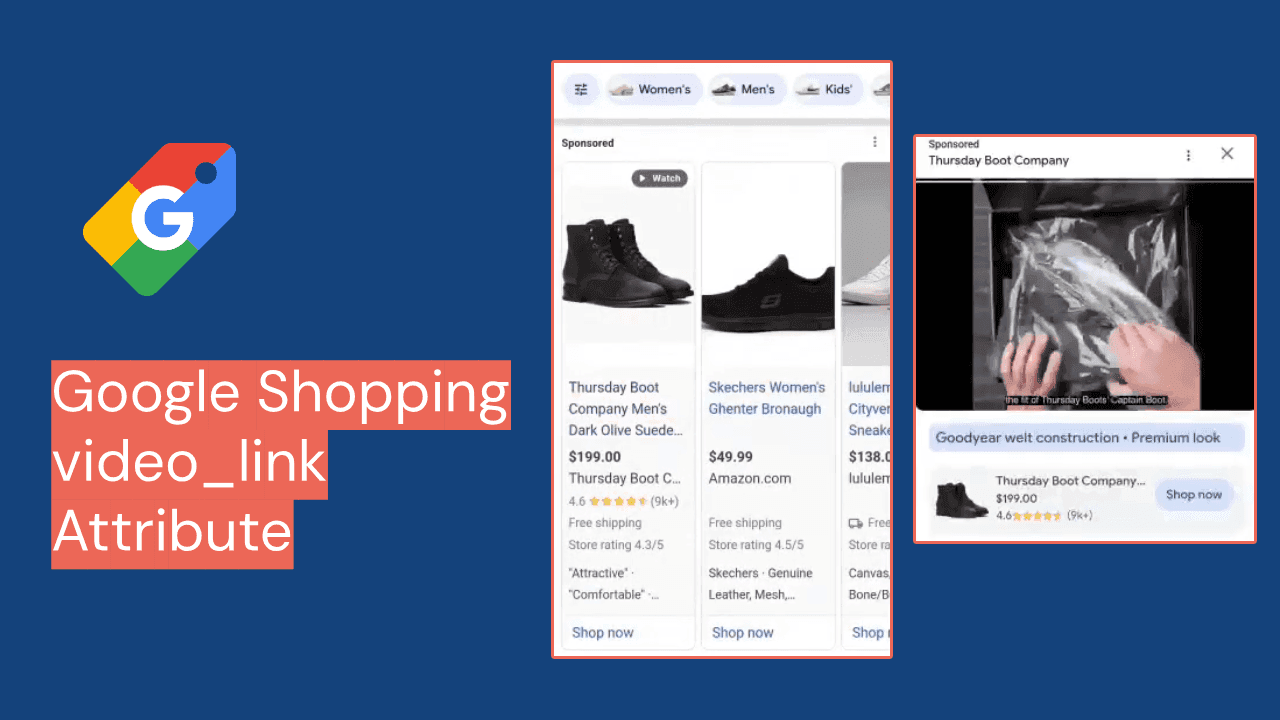
Feedance applies these templates to the image link of every product in the feed it sends to Meta, Google and TikTok, so you do not design thousands of images by hand.
Catalog ad preview
questions
Is the catalog ad preview free?
Yes. There is no sign-up and no limit on downloads. You can run it again with another product page whenever you like.
Which product does the preview use?
If you enter a product page, that product. If you enter your home page, we look for a product with a photo and a price, and prefer one that is on sale so the template can show the discount.
Where do the logo and colours come from?
From your website: the logo in the header or your structured data, and the brand colour from your logo and theme colours. You can pick another colour after the preview is created.
Is the preview exactly what Meta will show?
It is a close illustration of a single-image catalog ad in the Facebook and Instagram feed at 1:1. Meta adapts the layout to each placement and device, and the texts under the image come from your catalog.
Do you store my product data or images?
No. The page is read once to build the preview and nothing is saved. Images are passed through our server only so your browser can draw the downloadable PNG.
How do I use these templates in my real ads?
Connect your store to Feedance and choose a creative template for your Meta, Google or TikTok feed. Feedance renders the template on every product image and keeps the images in sync with your prices and stock.