














Snapchat has more than 26 million monthly active users in Saudi Arabia, and Snap says 90% of Saudis aged 13 to 34 use the app (OneArabia, citing Snap, November 2025). For a Gulf catalog, that makes Snapchat Dynamic Ads hard to skip.
Snap says you can reuse a feed you already run on another platform, as long as it meets Snapchat's own specification (Snap Business Help). The column names do match Google's. Several values, limits and media rules do not, and a few of Snap's own help pages disagree with each other.
This guide is for e-commerce teams and agencies that already have a working Google Merchant Center feed and want a Snapchat catalog that passes diagnostics on the first fetch. By the end you will know which fields to change, which to leave alone, how to set up the catalog per market, and how to read the errors Snap does not put in its error report.
What Snapchat requires in every product row
Snap's field list for e-commerce catalogs marks these fields as required: id, title, description, link, image_link, availability, price, and at least one of brand, gtin or mpn (Snap Product Catalog Field List).
Snap's Shopify help page gives a slightly different list. It adds condition as required (Snap Business Help: Snapchat Ads app on Shopify), while the main field list puts condition among the optional fields. We send condition on every row. It costs nothing, most Google feeds already carry it, and it removes the ambiguity.
Two requirements sit outside the feed. Dynamic Ads for web need a Snap Pixel attached to the catalog, and the pixel must pass item_ids that match the catalog id, or item_category values that match item_group_id. VIEW_CONTENT or PAGE_VIEW is required, and ADD_CART and PURCHASE are highly recommended (Snap: Dynamic Ads and Pixel best practices). A clean catalog with a mismatched pixel ID still cannot retarget anyone.
Google feed vs Snapchat catalog: field-by-field reference
The table compares the Google limits you already work to with what Snap documents. The last column is what we change in a Snapchat export.
| Field | Google Merchant Center | Snapchat catalog | What to do for Snap |
|---|---|---|---|
id | 1 to 50 characters | Up to 128 characters, unique, must match pixel item_ids | Keep the Google ID. Check it is the same ID the pixel sends. |
title | Up to 150 characters | Up to 375 characters; Snap recommends about 40 so the ad does not truncate it | Send a short title, about 40 characters. |
description | Up to 5,000 characters | Up to 5,000 characters | No change. |
link | Required | Up to 2,000 characters, RFC-encoded; URL parameters must already be in the link | Append Snap UTM parameters in the export. |
image_link | Required | WebP, JPEG or PNG listed; no GIF; at least 200 x 200 px | Send JPEG or PNG under 5 MB (see the media section). |
availability | in_stock, out_of_stock, preorder, backorder | in stock, out of stock, preorder, discontinued, available for order | Rewrite to Snap's values. |
price | Number plus ISO currency | 199 USD or USD 199; currency required if not USD | Always send the currency, e.g. 519.00 SAR. |
brand / gtin / mpn | Brand, GTIN and MPN rules by category | One of the three required; brand up to 70 characters; MPN documented as "max 50 numeric characters" | Make sure every row has a brand. |
google_product_category | Optional | Optional; Snap uses it in ranking and recommends depth 3 or more | Send it, at depth 3 or more. |
custom_label_0 to 4 | Up to 100 characters | Up to 100 characters; filterable in product sets and diagnostics | Keep your labels. They drive product sets. |
Sources for the table: Google: ID, Google: Title, Google: Availability, Snap Product Catalog Field List.
The edge cases inside that table
Availability. Snap documents its values with spaces, not Google's underscores, and it has no backorder. The closest value is available for order. Use it only if you really take orders for that product. Snap excludes out-of-stock products from Dynamic Ads automatically (Snap Field List), so you do not need a separate filter for them. We have not tested whether Snap also accepts the underscore values, so we write Snap's documented values rather than rely on it.
MPN. Snap's field list describes mpn as "max 50 numeric characters". Most real MPNs contain letters. If yours do, do not rely on MPN to meet the brand/GTIN/MPN rule. Send brand, which every catalog can produce.
Title length. Snap allows 375 characters but shows the title on the ad over up to three lines and recommends about 40 characters (Snap Field List). A Google title built for search matching, with brand, model, size and colour, will be cut off.
A worked row: from Google to Snapchat
Here is one Saudi product as it sits in a Google feed:
<g:id>ABY-2207-BLK-54</g:id> <g:title>Black Crepe Abaya with Lace Cuffs, Open Front, Length 54, Women</g:title> <g:availability>backorder</g:availability> <g:availability_date>2027-01-10T00:00+0300</g:availability_date> <g:price>649.00 SAR</g:price> <g:condition>new</g:condition> <g:custom_label_0>push</g:custom_label_0>
And the same product in the Snapchat export, as CSV columns:
id,title,availability,price,condition,brand,link,custom_label_0ABY-2207-BLK-54,Black Crepe Abaya with Lace Cuffs,available for order,649.00 SAR,new,Example Brand,https://example.com/p/aby-2207?utm_source=snapchat&utm_medium=paid_social,push
Four things changed: the title was cut to 33 characters, backorder became available for order, a brand was filled in, and the link now carries the UTM parameters, because Snap requires URL parameters to be in the link before upload (Snap Catalog Formatting). The ID, price and label stayed the same. "Example Brand" and the URL are placeholders.
In Feedance this is one more channel export from the same source feed, with its own feed rules for the title, availability and link, so the Google export stays untouched. For where UTM parameters belong per channel, see our UTM guide for product feeds.
Images, additional images and video
Snap's field list says images may be WebP, JPEG or PNG. Its Ads Manager errors page says media ingestion supports only JPEG and PNG, returns UNSUPPORTED_MEDIA for anything else, and returns CONTENT_TOO_LARGE above 5 MB (Snap: Errors in Ads Manager). Until Snap aligns the two pages, send JPEG or PNG under 5 MB.
Additional images matter more on Snap than on Google. Snap's animated templates, slideshow and carousel, only run for products with multiple images in additional_image_link (Snap: Animated templates). The developer docs allow up to 20 image[x].url columns per product and one video[x].url column (Snap for Developers: DPA video).
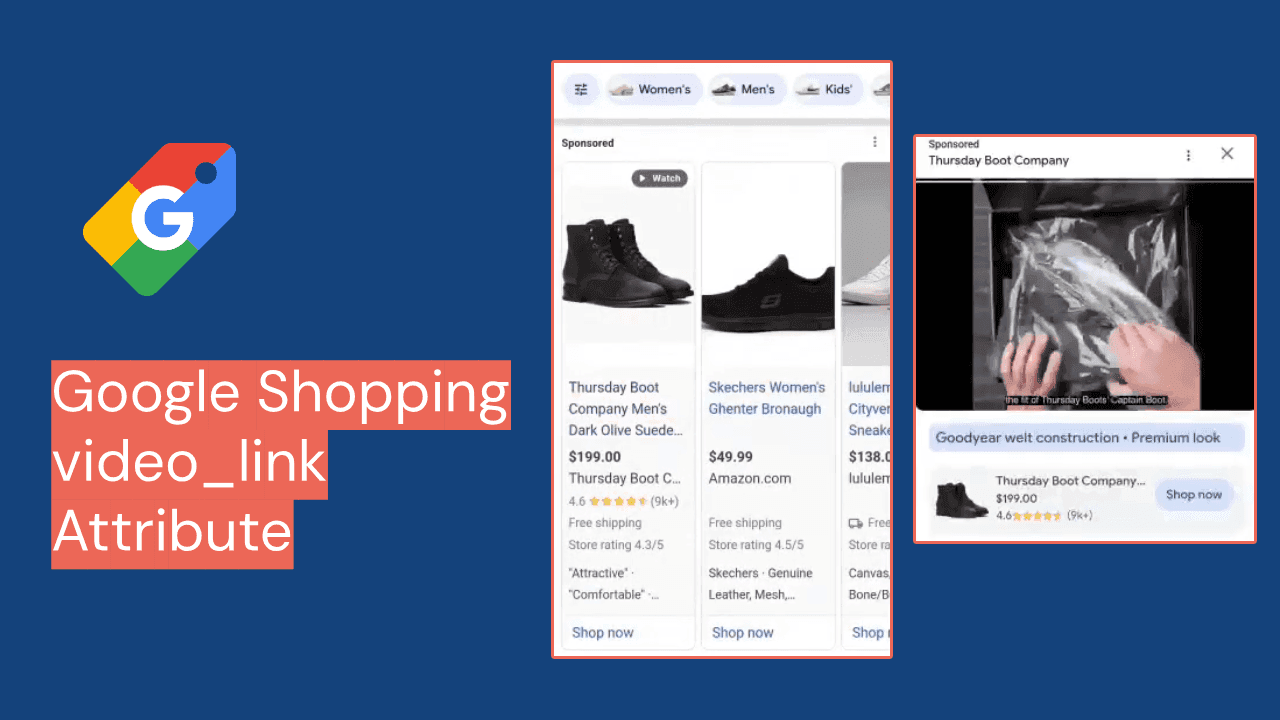
A video in the feed does not make a video ad on its own. Product-level video depends on preferred_video_tags set on the dynamic template, and Snap falls back to a 1:1 image when a product has no video or the video failed to ingest (Snap for Developers).
One catalog per market: currency and the feed limit
A Snap catalog holds exactly one product feed. That feed can have one supplemental feed, and each feed declares a default_currency (Snap for Developers: DPA guide). Snap fetches the feed hourly or daily, reads up to 10,000,000 products, and accepts gzipped files but not zip archives (Snap Catalog Formatting).
For a brand selling in Saudi Arabia and the UAE, we build one catalog per market: a SAR catalog and an AED catalog, each with its own export, prices and landing pages. This is our working method, not a Snap rule.
Match Snap's fetch schedule to your own feed refresh. A Feedance feed updates up to daily on Essentials and up to hourly on Business (Feedance pricing). An hourly Snap fetch only helps if the feed behind it changes hourly.
Product sets: where your custom labels pay off
A product set is the subset of the catalog an ad set can serve. In Ads Manager you filter on fields such as title, brand or condition with contains, does not contain, matches or does not match, and combine filters with All or Any (Snap: Product sets). Through the API, custom_label_0 to custom_label_4 are filterable too. An IS_ANY filter on ID takes up to 1,000 values, other fields up to 15, and each field may appear only once in a filter (Snap for Developers).
That 1,000-ID ceiling is why we build product sets on labels, not ID lists. One label value such as custom_label_0 = push covers any number of products and updates itself on every fetch.
Reading Snapchat catalog errors, including the ones the report leaves out
Snap's diagnostics split issues into errors on required fields, which block the product, and warnings on optional fields, which do not (Snap Catalog Formatting). The downloadable error report lists feed errors by ID. It does not include image or media ingestion failures, so a catalog can show a clean report while images fail.
| Error | What Snap means | First fix |
|---|---|---|
AUTH_ERROR | Image server asked for authentication | Serve images from a public URL |
NOT_FOUND | Image not found at the URL | Check image_link for old or deleted paths |
REQUEST_TIMED_OUT / SERVER_ERROR | Server or CDN may be blocking Snap's user agent or IP | Allow Snap's crawler in your CDN or firewall |
UNSUPPORTED_MEDIA | Format not supported | Convert to JPEG or PNG |
CONTENT_TOO_LARGE | File above 5 MB | Compress or resize |
CAT_VALIDATION_ERROR_IMAGE_LINK_INVALID | Image link is not a well-formed URL | Encode spaces and commas in the URL |
Sources: Snap: Errors in Ads Manager, Snap for Developers.
A pre-launch checklist for a Snapchat catalog
- Every row has
id,title,description,link,image_link,availability,price,conditionandbrand. - Catalog IDs match the
item_idsthe Snap Pixel sends onVIEW_CONTENTorPAGE_VIEW. - Availability uses Snap's values; no
backorder. - Every price carries its currency, and each catalog holds one market's currency.
- Titles are about 40 characters, checked in both English and Arabic.
- Main and additional images are public JPEG or PNG files under 5 MB.
- Links already carry your Snapchat UTM parameters.
- Product sets are built on custom labels, not long ID lists.
Where this guide stops
This is a catalog guide. It does not cover Snap Pixel installation, Conversions API setup, bidding or campaign structure, and Feedance does not manage bids or budgets on Snapchat or anywhere else.
Snap's help pages are not fully consistent with each other, as the condition and WebP points show. We have flagged those conflicts and taken the safer reading. Check the live field list before launch.
If what you need is mostly designed Snapchat catalog creative rather than feed work, tools such as Confect are built around that job and list Snapchat as a destination. Our Feedance vs Confect comparison sets out where each one fits. Shopify stores can also connect through Snap's own Shopify app, which is enough for a small, simple catalog.
FAQ
Can I upload my Google Merchant Center feed to Snapchat as it is?
Often it will load, because the column names match. But availability values, title length, image formats and the brand rule differ, so some products will error or show truncated titles. A separate Snap export with a few rules is safer.
Which fields does Snapchat require in a product catalog?
Snap's field list requires id, title, description, link, image_link, availability, price, and one of brand, gtin or mpn. Its Shopify help page also lists condition as required, so send it on every row.
Does Snapchat accept backorder as an availability value?
No. Snap documents in stock, out of stock, preorder, discontinued and available for order. Map backorder to available for order only if you accept orders for that product.
Why are my Snapchat catalog images failing when the error report is clean?
Snap's downloadable error report does not include image or media ingestion failures. Check the media errors in Ads Manager, such as AUTH_ERROR or REQUEST_TIMED_OUT, and confirm your CDN does not block Snap's crawler.
Can one Snapchat catalog have several product feeds?
No. A Snap catalog has one primary product feed, and that feed can have one supplemental feed. For several markets or currencies, use one catalog per market.
How often does Snapchat fetch a product feed?
You can schedule the fetch hourly or daily in Ads Manager; the API also supports weekly and monthly schedules. Set it to match how often your own feed actually updates.
Why does my Snapchat Dynamic Ad show an image instead of my product video?
Product-level video depends on video tags set on the dynamic template. Without them, or when a video fails to ingest, Snap falls back to a 1:1 image.
Check your feed before Snap does
Most of the problems in this guide, from missing brands and malformed prices to broken image links, are visible in the feed before any channel fetches it. Run your current feed through the free product feed audit and fix the rows that would fail on Snapchat first.

Kardelen Yılmaz works on growth at Feedance, where she helps e-commerce brands and agencies get more return from every product they advertise. She writes about product feed quality, Shopping and Performance Max campaigns, creative automation, and how AI-driven shopping is changing product visibility.
LinkedIn