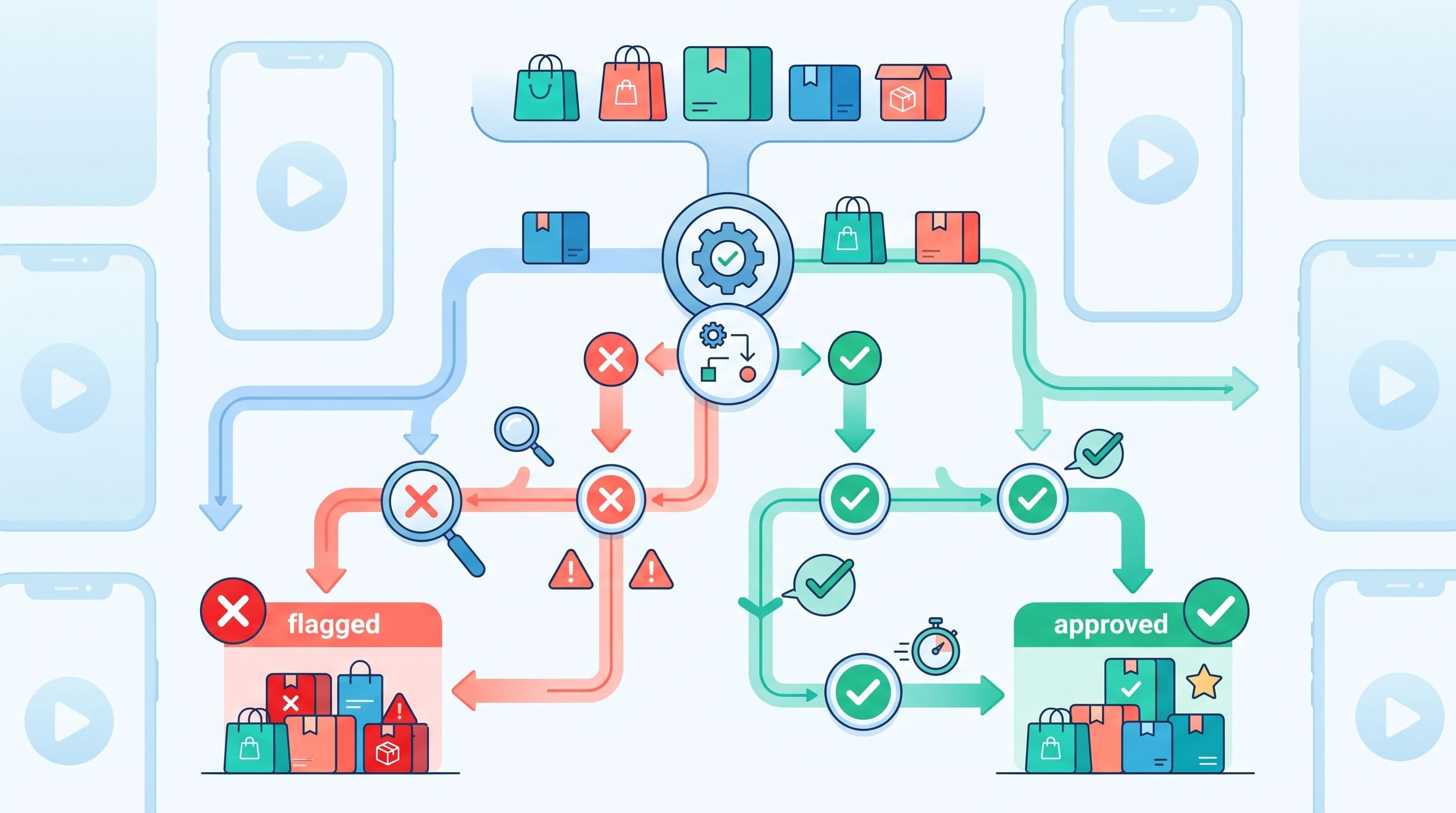
TikTok Shop can reject a product listing over a single missing field, an image that falls short of the platform's 600×600-pixel minimum, or a description shorter than the 30-word floor set in its Product Listing Policy. For a seller managing a handful of SKUs by hand, that is a five-minute fix. For a brand or agency pushing a catalog of a few thousand products through TikTok Shop's Seller Center, one bad rule in the source feed can multiply into hundreds of rejected rows, each with its own reason buried in an export you have to open row by row. This guide is for whoever owns that catalog. It separates the things that actually get TikTok Shop listings rejected, gives you a decision tree for diagnosing which one you are looking at, and shows where in your feed pipeline — not just inside the TikTok dashboard — each fix belongs.
TikTok Shop's catalog is not TikTok's advertising catalog
Before anything else: TikTok runs two separate product systems, and mixing them up wastes a support ticket. Catalog Manager, inside TikTok Ads Manager, is the advertising-side feed that powers dynamic ads and shopping campaigns — a listing there behaves like a Google Merchant Center or Meta catalog entry. TikTok Shop is the native storefront: products live in Seller Center or the Commerce API, carry real inventory and fulfillment, and go through their own listing review. A rejection in one system has nothing to do with the other, and the fixes below are entirely about TikTok Shop's storefront listings, not the advertising catalog. If it is the ads-side feed giving you trouble, that is a different rule set and a different integration.
The eight things that actually get TikTok Shop listings rejected
TikTok Shop's own Product Listing Policy and Prohibited & Restricted Products guide, plus the patterns sellers report most often, group into eight recurring causes:
- Prohibited or restricted products. Firearms, drugs, alcohol, tobacco and e-cigarettes, human body parts, protected wildlife, gambling items, lock-picking tools, and secondhand beauty, supplement or food items are flat-out prohibited. Restricted categories — supplements, CBD, weight-loss products, medical devices — can be sold only with category qualification documents on file.
- Health claims and subjective marketing language. Phrases like "clinically proven," "cures acne" or "guaranteed weight loss" get flagged, as do subjective claims such as "best seller" or "trending" and any discount percentage written into the title or description.
- Incorrect category selection. A serum listed under Health instead of Beauty, or a supplement listed as a snack, routes the item into the wrong compliance path and gets bounced.
- Missing required fields. Brand name, a description of at least 30 words, size and material details, package weight and dimensions, and a product identifier (GTIN, UPC, EAN or ISBN, expected to be registered in the GS1 database) are all mandatory for the categories that require them.
- Image violations. TikTok Shop requires images of at least 600×600 pixels, a pure white background with a front-on view for the primary image, up to nine square images per listing, full color, and no watermarks, logos, text overlays or digitally rendered placeholders.
- Trademark and brand authorization issues. Selling a branded product without proof of sourcing — an invoice or a brand authorization letter — is treated the same as an intellectual-property violation.
- Duplicate listings and listing manipulation. Creating several listings for one product to rank in multiple places, or repurposing an existing listing's detail page for a different product, both violate policy even though neither looks like a "content" problem.
- Bulk-upload template errors. Missing required fields, malformed image URLs, invalid identifier formats, and inconsistent data across a product's own variants are the errors TikTok Shop's bulk spreadsheet editor flags with a red box before it will let you import.
A decision tree for diagnosing a rejection
Seller Center shows a reason next to every rejected listing, but the label is often generic. Work through these questions in order before you start editing:
- Is the product itself sellable at all? Check it against TikTok Shop's prohibited list first. If it is prohibited, no amount of feed cleanup fixes it — stop and remove the row from the channel export.
- Is it restricted rather than prohibited? Categories like supplements or medical devices need qualification paperwork uploaded once at the shop or category level. This is a one-time compliance task, not a per-SKU feed fix.
- Did the rejection reference the title or description? Check for capitalization errors, character substitutions (an "!" for an "i"), superlatives, discount language, or a description under 30 words.
- Did it reference images? Check resolution, background color, watermarks and image count before touching anything else.
- Did it reference a missing field rather than a violation? That is almost always a feed-mapping gap — a source attribute that never made it into the export — not a content problem.
- Was it a bulk-upload failure rather than a live-listing rejection? That points to the template itself: wrong leaf category, malformed URL, or a mismatch between variant rows for the same parent product.
Fixing each rejection type at the feed level
TikTok Shop's own editor lets you fix one row at a time. A feed platform's job is to fix the rule once so the next export does not reproduce the same rejection across the rest of the catalog.
| Rejection type | What triggers it | Where the fix belongs |
|---|---|---|
| Prohibited product | Category itself is banned (alcohol, weapons, recalled goods, etc.) | Exclusion filter on your source catalog so the SKU never reaches the TikTok Shop export |
| Restricted product, no documentation | Supplements, CBD, medical devices without category qualification on file | One-time paperwork with TikTok Shop, not a feed change; flag these SKUs so they route to a "pending compliance" segment instead of publishing |
| Title or description violation | ALL CAPS, "!" for "i", superlatives, discount text, sub-30-word descriptions | Text transformation rule applied to the title/description field before export |
| Image violation | Under 600×600px, colored or busy background, watermark, wrong image count | Image-field validation and a fallback rule (exclude the SKU) rather than exporting a non-compliant URL |
| Missing required field | No brand, no GTIN, no package weight/dimensions in the mapped feed | Attribute mapping gap in the source-to-channel field map, not a TikTok-side fix |
| Bulk template / leaf-category mismatch | SKU mapped to the wrong leaf category, or variants inconsistent across a template | Category mapping logic upstream of the per-category export file |
The leaf-category template trap in bulk uploads
Since June 2025, TikTok Shop's official bulk-listing template covers exactly one leaf-level category per file — you can no longer mix a handful of categories into a single spreadsheet. Every required field on that template is marked with a red border, and the online editor rejects the whole product row if any of them are blank, contain an invalid image URL, or disagree between variants of the same parent item (for instance, one color variant missing the weight field that another variant has filled in).
For a catalog with SKUs spread across dozens of categories, this means your feed needs to know each product's correct TikTok Shop leaf category before generating the export, then split the output into one file per category rather than one file per catalog. A source feed with a single flat "category" text field that does not match TikTok Shop's own taxonomy will produce exactly the "incorrect category selection" rejection described above, multiplied by however many SKUs share that mistake, even though TikTok Shop's leaf-category system is entirely separate from Google's or Meta's own taxonomies. As an illustration: a men's running shoe row exported with the category string "Shoes" instead of the TikTok Shop leaf category "Shoes > Men's Shoes > Athletic Shoes" fails the same way whether it is uploaded once or a thousand times — the fix is correcting the category mapping upstream, not re-uploading the same file and hoping the editor is more lenient.
The same applies to a title like N!KE Air-Style Shoes BEST SELLER 50% OFF!!: it fails on three separate rules at once — a substituted character, a subjective claim, and promotional pricing text — and no amount of resubmitting fixes it without first rewriting the title rule to something like Nike Air-Style Running Shoes, Men's, Size 9, Black, which follows TikTok Shop's brand-plus-type-plus-detail structure and drops every flagged phrase. Text transformations like this are exactly what a feed rules layer is for: write the capitalization, character and phrase-stripping logic once, and every export benefits, not just the row you happened to notice.
What this doesn't cover
This guide handles the mechanical, feed-side causes of rejection: fields, formats, images, and category mapping. It does not replace TikTok Shop's own compliance review for restricted categories — qualification documents, Prop 65 disclosures, and safety certifications are paperwork a human still has to file with TikTok, not something a feed rule can generate. No feed tool, Feedance included, can get a genuinely prohibited product approved, and none can promise an approval outcome, since TikTok controls the review. If your catalog sells almost exclusively through TikTok Shop and needs deep, marketplace-specific compliance workflows — document tracking, category-by-category certification status — a marketplace-specialized tool built around that one channel may serve you better day to day than a general multi-channel feed platform built to also cover Google, Meta and regional marketplaces at once. Feedance's own role here is upstream: keeping the source data clean, applying the per-channel formatting that a channel export layer handles, and syncing it to TikTok Shop at whatever frequency your plan supports (daily on Essentials, hourly on Business and Enterprise) — not managing the compliance paperwork itself, and not managing TikTok ad bids, which is a separate discipline it does not touch. If Google Merchant Center is the channel giving you the equivalent headache, the same diagnose-then-fix-upstream approach applies in our Google Merchant Center errors guide.
FAQ
Is TikTok Shop's product catalog the same as TikTok's advertising catalog?
No. TikTok Shop listings live in Seller Center or the Commerce API and carry real inventory and orders. Catalog Manager, inside TikTok Ads Manager, is the separate advertising-side feed used for dynamic ads. A rejection in one has no bearing on the other.
How long does TikTok Shop take to review a listing?
TikTok does not publish an official service-level time. Sellers commonly report roughly 24 to 48 hours for standard categories and longer for restricted ones, but treat that as an observed pattern rather than a guaranteed window.
Do I need a GTIN for every TikTok Shop listing?
Product identifiers — UPC, EAN or ISBN, registered with GS1 — are required for the categories TikTok Shop designates as needing them. Confirm the requirement per category rather than assuming it is universal.
Why was my listing rejected for "duplicate content" when I only have one listing for that product?
This usually means an existing listing already covers the product and its variants, and a second listing was created instead of adding the new variant to the original. TikTok Shop wants one listing per product with variants grouped inside it.
Can I fix rejected TikTok Shop listings from my feed instead of TikTok's own spreadsheet editor?
You can fix the source data and the mapping rules that generate the export, which prevents the same rejection from recurring across the rest of the catalog. The actual resubmission still happens through TikTok Shop's Seller Center or Commerce API.
What changed with TikTok Shop's bulk upload templates in 2025?
As of June 2025, each downloaded bulk-listing template covers only one leaf-level category, so catalogs spanning multiple categories need a separate file per category rather than one combined spreadsheet.
Can a feed platform guarantee my TikTok Shop listings will be approved?
No. A feed platform can eliminate the mechanical causes of rejection — missing fields, bad images, wrong categories — but TikTok Shop controls the actual review and approval decision.
Does Feedance manage TikTok ad bids or campaigns as part of fixing rejections?
No. Feedance manages the product data going into TikTok Shop and TikTok's advertising catalog; bid management and campaign strategy are outside what it does.
If you are not sure how much of your current TikTok Shop rejection rate traces back to feed-level issues versus genuine compliance gaps, start with a free product feed audit to see which of your fields, images and category mappings are already failing before they ever reach TikTok Shop.

Kardelen Yılmaz works on growth at Feedance, where she helps e-commerce brands and agencies get more return from every product they advertise. She writes about product feed quality, Shopping and Performance Max campaigns, creative automation, and how AI-driven shopping is changing product visibility.
LinkedIn