Feed-driven creative tools make it easy to stamp a price, a discount or a "Free shipping" badge onto every product image. The trouble starts when that finished image lands in the wrong feed field. Google's image policy treats image_link as a clean product shot, and a product that fails it is disapproved until the image is replaced. From January 31, 2027 Google also requires at least 500 x 500 pixels for every product image, so image pipelines are being reviewed anyway.
This guide is for feed managers and creative teams who produce overlaid images at scale. By the end you will know which image field or ad surface can carry a badge, which ones cannot, what remains unverified, and how to wire a feed so the clean and the branded image never swap places.
The short answer: one clean image, one branded image, never the same file
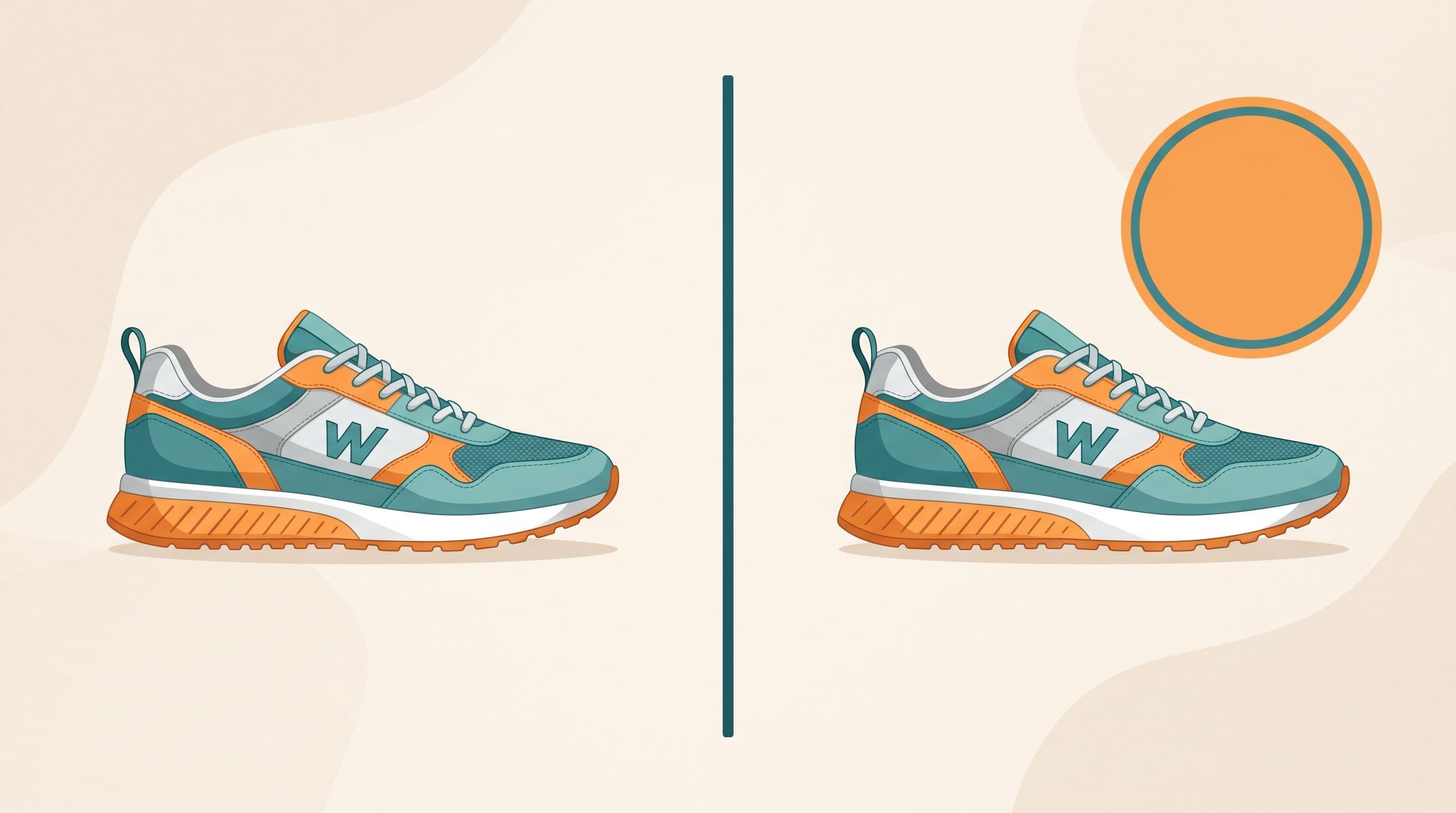
Treat every product as having two image jobs. The clean image is what the channel's catalog reads: the photo of the product with nothing on it. The branded image is what the ad shows: the same photo with price, discount or shipping layers. Keep them in separate fields, with separate URLs, generated by separate steps.
The rest of this guide shows why that split is needed on Google, Meta and TikTok Shop, and where the written rules stop being clear.
What Google's documentation says about each image field
We read the Merchant Center Help pages for each image attribute and compared the wording on overlays. They do not say the same thing.
| Field | Count and size | What the page says about overlays and text |
|---|---|---|
image_link | One image. At least 500 x 500 px for all products from January 31, 2027; 1500 x 1500 px or more recommended. | Must offer "an unobstructed, clean view of the item." Calls to action, price or shipping details, warranty claims, promotional adjectives, condition labels, watermarks, stamps, barcodes, superimposed logos and store names are all listed as overlays to avoid. Borders are also not allowed. |
additional_image_link | Up to 10 images. Same 500 x 500 px minimum from January 31, 2027. | Follows the image_link best practices. Excludes brand-only or logo images and "images with a watermark, or text not relevant to the image such as trademark or store info." Allows staging and in-use shots. Promotional overlays are not mentioned either way. |
lifestyle_image_link | Up to 5 images. Minimum 600 x 600 px. | "Don't use an image that contains promotional elements or other text." Also lists price information, service information such as free shipping, logos and retailer names. No borders or padding to hit the aspect ratio. |
Two points follow from the table. First, only image_link and lifestyle_image_link are explicit. Second, additional_image_link is silent on promotional text, which is exactly where the confusion comes from.
Why additional_image_link is not a proven home for badges
A number of vendor posts describe additional_image_link as the place for branded treatments and overlaid callouts. One catalog-creative vendor's May 2026 post says Google's enforcement has become "increasingly permissive" there. We could not find a Google page that states this, and the post itself does not link one. Another vendor guide from September 2025 bans promotional overlays on every image field without citing Google at all.
What the Google page does say is narrower. Additional images can show staging and use, and they exclude "text not relevant to the image." A "20% OFF" burst is arguably relevant to a sale but it is not part of the product, and Google does not tell us how it is judged. Our position: treat additional_image_link as unproven for promotional overlays. If you test it, test on a small product set and watch the Diagnostics tab before rolling out.
Rule of thumb: a field that is not explicitly allowed to carry promotional text should be fed only clean images.
What happens when an overlay reaches image_link
Google's page on compliant images states that products without an unobstructed view are "disapproved and remain disapproved until their images are updated." It names promotional text such as retailer logos or calls to action, and watermarks, as the problem. The rule applies to the file at the submitted image_link URL, not to your website.
Merchant Center also has an optional automation, off by default, under Products, then Automations. When it is on, Google tries to remove detected text, watermarks, overlays and logos and replaces the image. It is listed in history as "Automatic improvement: image quality [image_link]". Google says it may fail on multi-panel collages, heavy text over the main product features, and strong or dense watermarks, and in that case the original stays and you must upload a compliant image.
We would not rely on it as the fix. It is a safety net, it changes your image without your pipeline knowing, and it is not a substitute for keeping the branded file out of the field. Google also says it can interfere with intentional custom creative.
A before and after feed row
This is the pattern we see when a creative template writes its output over the product image field. The domain is illustrative.
Before:
id: 48213image_link: https://cdn.example.com/creative/48213-sale-20off-badge.jpgsale_price: 799.00 TRY
The badge text sits inside the pixels. Google's crawler reads it from image_link and the product risks disapproval.
After:
id: 48213image_link: https://cdn.example.com/products/48213-clean.jpgadditional_image_link: https://cdn.example.com/products/48213-side.jpg,https://cdn.example.com/products/48213-detail.jpgcustom_label_4: creative_tier_salecreative_image_url: https://cdn.example.com/creative/48213-sale-20off-badge.jpg
The promotion lives in sale_price, where Google reads it as structured data. The branded file is stored in a non-Google column (here creative_image_url, a name we made up) and is only mapped to channels that accept overlaid creative. The clean file is the only one Google's catalog sees. If you need to correct many rows without touching the source system, a supplemental feed can override image_link for matching ids. Feedance describes its approach in supplementary feeds.
Where overlays are explicitly fine
Google Ads Performance Max image assets
Google's page on Performance Max image assets says overlays are allowed and recommends using "at least one image without overlays for each aspect ratio." The listed sizes are 1.91:1 at 1200 x 628 (minimum 600 x 314), 1:1 at 1200 x 1200 (minimum 300 x 300) and 4:5 at 960 x 1200 (minimum 480 x 600), JPG or PNG up to 5 MB, with important content in the center 80%. This is the asset layer, not the product feed.
Meta Advantage+ catalog ads
Meta lets advertisers add dynamic overlays inside the campaign: price, strikethrough price, percentage off and free shipping. This comes from a May 2025 trade report, because Meta's own help pages blocked our fetch, so check the current options in Ads Manager. The same report says free shipping shows only when the catalog shipping cost is zero, and the overlays then appeared in Facebook Feed only. The important design point is that Meta draws the overlay on top of a clean catalog image rather than reading it from the feed file.
TikTok Shop
TikTok's seller guidance says "Do not add any text, graphics, or watermarks to the first image." Treat the first listing image like image_link. Note a size discrepancy: TikTok's own page says images must be at least 600 x 600 pixels, while a feed vendor's disapproval page quotes a 500 x 500 minimum. Follow the TikTok figure.
A placement matrix for your template output
| Surface | Clean image only | Overlay allowed | Status |
|---|---|---|---|
Google image_link | Yes | No | Documented |
Google lifestyle_image_link | Yes | No | Documented |
Google additional_image_link | Safest | Unclear | Not documented |
| Performance Max image asset | Add one per ratio | Yes | Documented |
| Meta Advantage+ catalog overlays | Catalog image stays clean | Added by Meta in campaign | Secondary source |
| TikTok Shop first image | Yes | No | Documented |
Pre-ship checklist for overlay pipelines
- Does the file in
image_linkcontain only the product, with no text, logo, border, price or badge? - Is the branded creative stored in a separate column that no Google field maps to?
- Do
additional_image_linkandlifestyle_image_linkcarry clean images unless you have tested an alternative? - Is the sale message in
sale_priceand, where relevant,sale_price_effective_daterather than in pixels? - Does every Google image meet 500 x 500 px before January 31, 2027, and every lifestyle image 600 x 600 px?
- Do AI-generated images keep their IPTC
DigitalSourceTypemetadata, such asTrainedAlgorithmicMedia? - Did you check the Merchant Center Automations setting so it does not rewrite files you meant to keep?
- Does each Performance Max aspect ratio have at least one overlay-free image?
Score one point per yes. Anything below 8 should be fixed before a feed goes live. Our guide to image link checks before the 500 x 500 minimum covers measuring the image dimensions in bulk, and the AI-generated image policy guide covers the metadata labels.
Where this guide breaks down
We did not test any of this against live Merchant Center accounts, so the table reflects what the help pages say, not how enforcement behaves in practice. The exact Merchant Center issue wording differs by account, language and date. Meta's help pages and the Ads Guide were not readable for us, so the Meta section depends on a secondary report. The Google lifestyle page also lists its aspect ratio range with what looks like a typo, so confirm it in Merchant Center.
On tooling, Merchant Center's own image automation removes overlays without any pipeline work, and general feed tools such as Channable, Productsup and DataFeedWatch can rewrite image URLs through rules. If your only need is designing Meta catalog layouts, Confect and Marpipe are focused creative tools. Feedance's Image Creative and Creative Suite are for teams that want templates driven by feed fields in the same place the feed is managed; their pages say creatives update on sync, and we do not claim real-time updates.
Frequently asked questions
Can I put a sale badge on image_link?
No. Google's image policy lists price details, calls to action and promotional adjectives as overlays that make a product image non-compliant. Use sale_price to communicate the offer and keep the file clean.
Is additional_image_link allowed to carry a "20% off" overlay?
Google's page for that attribute does not say. It excludes watermarks and text not relevant to the image, and tells you to follow the image_link best practices. Treat it as unproven and test on a small set first.
Does Google's automatic image improvement remove my badge?
It tries to when the setting is on, and the change appears as "Automatic improvement: image quality [image_link]". It can fail on collages, dense text and heavy watermarks. It is a backstop, not a workflow.
What is the minimum image size on Google?
Google states at least 500 x 500 pixels for all products beginning January 31, 2027, and recommends 1500 x 1500 or more. Lifestyle images need at least 600 x 600.
Are overlays allowed in Performance Max?
Yes, for image assets. Google recommends at least one image without overlays for each aspect ratio. This applies to ad assets and does not change the product feed rules.
How do I show a price badge on Meta without breaking the feed?
Keep the catalog image clean and use Meta's dynamic overlays inside the campaign, as described in secondary reporting from May 2025. Confirm the current options in Ads Manager.
Can I use AI to generate the clean product image?
Yes, with a condition. Google says generative AI images must keep metadata marking them as AI-generated, and that tags such as TrainedAlgorithmicMedia should be preserved.
What should I do with the branded creative files?
Store them in a separate feed column and map that column only to channels or ad surfaces that accept overlays. Never point a Google image attribute at them by default.
Next step
If your team builds price and promo overlays from feed data and wants the clean and branded files kept apart by design, request a Feedance demo and bring a sample of your current image fields.
Sources
- Google Merchant Center Help: Image link [image_link]
- Google Merchant Center Help: Additional image link [additional_image_link]
- Google Merchant Center Help: Lifestyle image link [lifestyle_image_link]
- Google Merchant Center Help: Compliant product images
- Google Merchant Center Help: Allow Merchant Center to improve your product images
- Google Merchant Center Help: AI-generated image labeling
- Google Ads Help: About image assets for Performance Max campaigns
- TikTok Shop Seller University: product image requirements
- Social Samosa: Meta adds dynamic overlays to Advantage+ catalog ads (May 2025)
- Marpipe: catalog creative and overlays for Google Shopping (May 2026, vendor claim, no Google source)
- dataiads: Merchant Center images compliance guide (September 2025, vendor claim, no Google source)
- GoDataFeed: TikTok first image disapproval

Co-founder of Feedance, where she draws on 20+ years in product and user experience design to shape how catalogs become creative. With a strong focus on bridging design systems and automation, she is dedicated to helping brands scale visual quality without scaling design effort.
LinkedIn