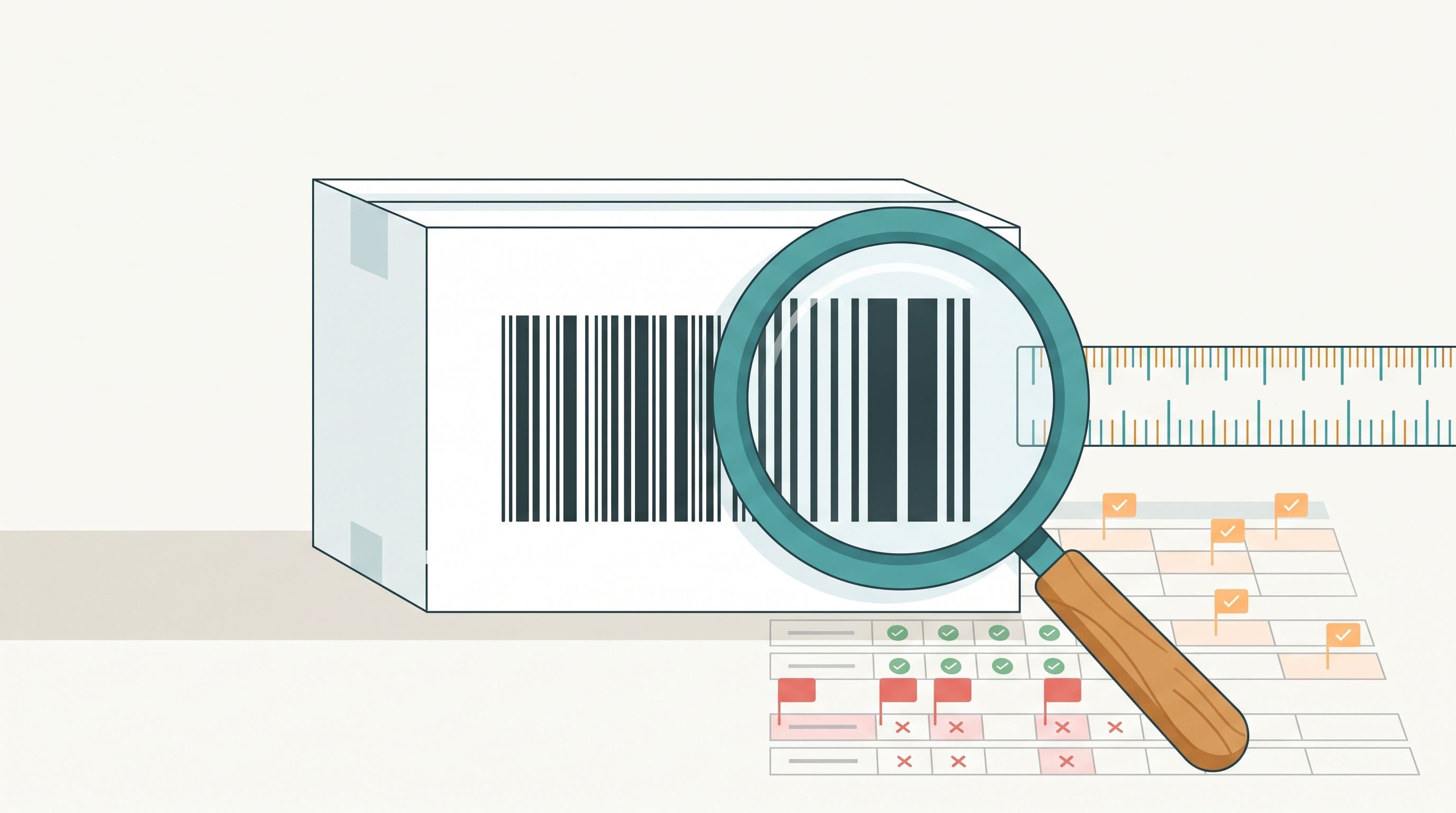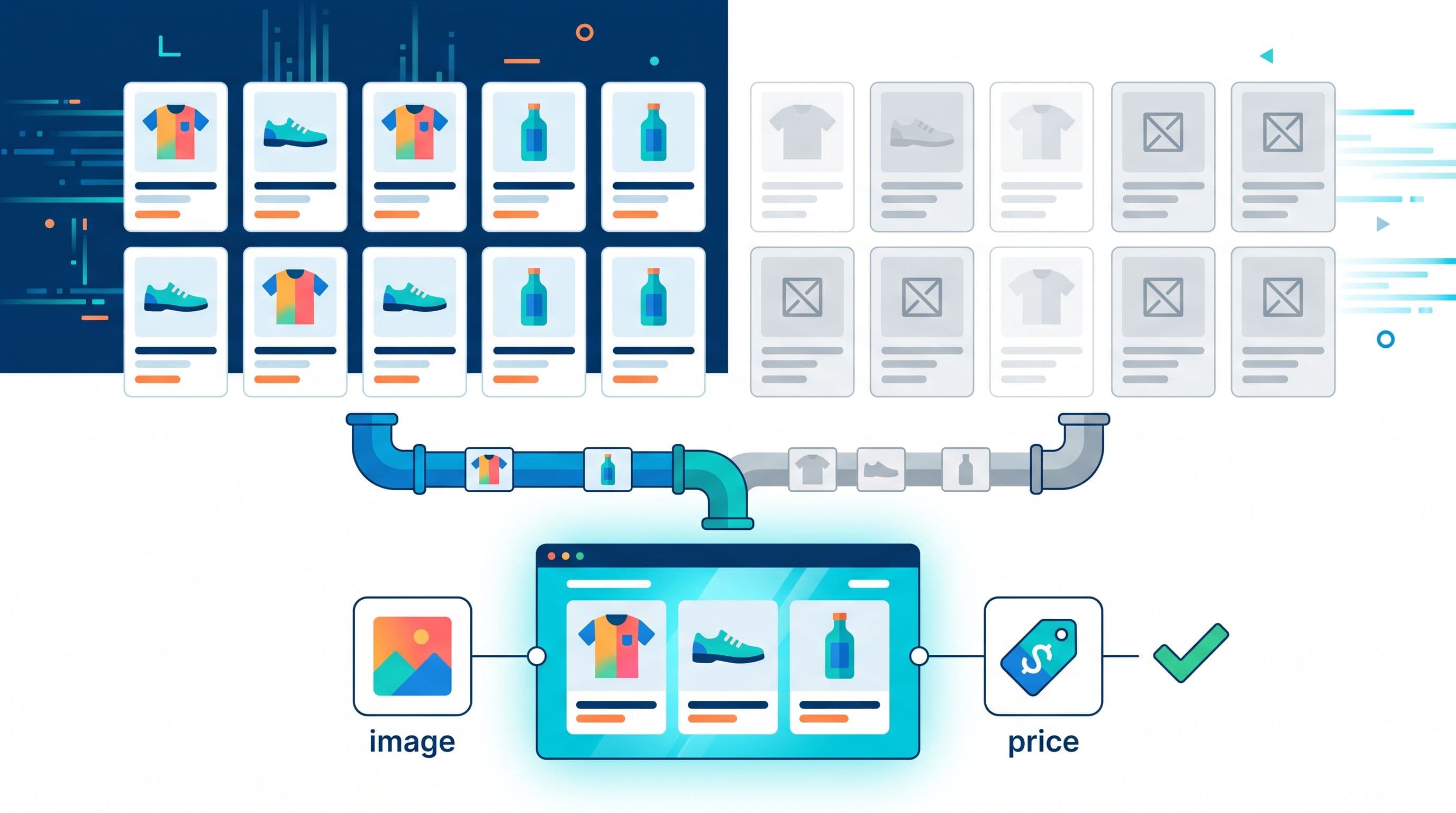
Dynamic creative tools do not look at your product photos. They look at your feed. A template pulls image_link, title, price and a handful of other fields and drops them into a layout, and if one of those fields is missing, malformed, or shaped wrong for the channel, the result is not a bad-looking ad — it is a blank frame, a placeholder icon, or a banner that never serves. Google Merchant Center's own spec puts the baseline at 500 x 500 pixels for image_link, with 1500 x 1500 recommended, and that is only one of five fields that decide whether a row of catalog data becomes a working ad. This guide is for the person who gets blamed when creative "looks broken" — usually someone in feed or growth, not the designer — and walks through which fields matter, what breaks when they are wrong, and how to check a feed before you touch a template.
Why dynamic creative treats your feed as the source of truth
A static banner is designed once and shipped. A dynamic banner, video, or catalog ad is generated per SKU, per channel, at scale, which means the design only exists as a set of rules: put this field here, format that field like this, hide this element if the field is empty. Feedance's image creative, video creative, and HTML5 creative tools work this way, and so does every other feed-driven creative engine on the market. The practical consequence is that a creative bug is almost always a data bug wearing a design costume. If ten SKUs out of a thousand show a broken layout, the fastest diagnosis is not "check the template" — it is "pull those ten rows and see what's different about them."
The five feed fields that decide whether creative renders
Not every attribute in a product feed affects creative output. These five do, and they fail in predictable ways.
- image_link and additional_image_link. Google requires at least 500 x 500 pixels and recommends 1500 x 1500 or above, and it explicitly bans placeholder images, generic illustrations, borders, watermarks, and promotional text or logos baked into the photo. A separate policy page covers this directly: "text on image" disapprovals are triggered by retailer logos, calls to action, or watermarks that obstruct the product, though Google does not publish an exact pixel or percentage threshold for how much text is too much. For creative generation specifically, an image with a price badge or a "50% OFF" sticker already burned in will clash with the badge your template is about to add on top of it, producing a double-stamped, unreadable result.
additional_image_linkis optional, capped at ten URLs per product, and each entry has to be a clean, RFC 3986–compliant URL under 2,000 characters — a stray comma in an unencoded URL will silently drop every image after it. - title. Templates truncate. A 150-character title built for a search result page will clip mid-word on a 4:5 feed placement or a 9:16 story frame. If your title formula front-loads brand and back-loads the differentiator ("Size 42, Red, Cotton"), that's the part that gets cut.
- price and sale_price. Creative engines render whichever field is populated and hide the other. A feed that sends
sale_priceequal toprice(a common export bug when a discount just ended) produces a banner advertising a 0% discount, or a strikethrough price identical to the shown price, which looks like a rendering bug but is a data bug. - availability. Most creative engines suppress out-of-stock items from dynamic sets by default. If your feed reports
in stocka day after the warehouse actually sold out, the creative keeps serving an ad for something a customer cannot buy, which is a worse outcome than a blank frame. - product_type / custom_label_0–4. These are what your template uses to pick a layout variant — a different frame for apparel versus electronics, a different call-to-action for full-price versus clearance. An empty or inconsistent
product_typemeans every SKU falls back to the same generic template regardless of category, which is usually the actual cause of "our creative all looks the same" complaints.
A before/after feed-row teardown
The table below is an illustrative example, not a live client feed, built to show how these five fields move together. The "before" row is a common raw export from a plugin-based storefront; the "after" row is what a rules-based enrichment pass fixes before creative generation.
| Field | Before | After | Effect on creative |
|---|---|---|---|
| image_link | 320x320px, red "SALE" badge burned in | 1600x1600px, clean product-only shot | Passes the 500x500 minimum; template's own badge no longer collides with a baked-in one |
| title | "Premium Cotton Crew Neck T-Shirt Unisex Regular Fit Machine Washable Size M Color Navy Blue" | "Crew Neck Tee, Navy, M" | Fits inside a 4:5 feed card without truncating the size/color that differentiates the SKU |
| sale_price | 29.99 (same as price) | 21.99 (price: 29.99) | Discount badge renders a real percentage instead of "0% off" |
| availability | in stock (stale, 26h old) | out of stock (synced hourly) | SKU drops out of the dynamic set instead of advertising a sold-out item |
| product_type | "" (empty) | "Apparel > Tops > T-Shirts" | Template selects the apparel layout instead of the generic fallback frame |
None of these five fixes touch the creative template itself. The template did not change between "before" and "after" — the feed did.
Channel creative constraints your feed also has to satisfy
Even a perfectly enriched feed can produce broken creative if the output doesn't match the channel's own format rules. These vary by platform and change often, so treat the table below as a starting point to verify, not a final spec.
| Channel | Common aspect ratio | Resolution / duration | Notable constraint |
|---|---|---|---|
| Meta feed & Stories | 4:5 (feed), 9:16 (Stories/Reels) | ~1080x1350 (feed), ~1080x1920 (Stories) | Text and logos need to sit inside a safe zone — one 2026 ad-spec tracker cites roughly the top ~14% and bottom ~20-35% kept clear on a 9:16 canvas — since Meta can crop or overlay UI on those edges. Meta's own spec page was not reachable during this research (it returned a robots-blocked response), so treat this figure as a starting point and verify against Meta's official ad specs before locking a template. |
| TikTok in-feed / Smart+ catalog | 9:16 | 540x960 minimum, 720x1280+ preferred, up to 60 seconds | Smart+ Catalog Ads require at least four in-stock, approved, activated products in the catalog before the ad type is even available — a feed with three qualifying SKUs won't let you launch, independent of creative quality |
| HTML5 banners | Standard IAB display sizes | Initial load capped at 15 file requests per the IAB display creative guidelines | A template that pulls too many additional_image_link values into one HTML5 unit can blow past the request cap and fail to load on ad-server preview, independent of total file size |
A five-point diagnostic before you blame the template
- Pull the specific SKUs showing broken creative and check
image_linkresolution and file accessibility first — a 404'd or undersized image is the single most common cause. - Check whether
additional_image_linkcontains an unencoded comma or a URL over 2,000 characters, which silently truncates the image list rather than throwing a visible error. - Compare
priceandsale_pricefor equality — if they match, your discount badge is rendering a real bug, not a design flaw. - Check the age of your
availabilityfield against your actual inventory sync cadence. On a daily-sync setup this gap can be up to 24 hours by design, which is a different problem from a broken feed and needs a faster sync tier, not a data fix. - Group the broken SKUs by
product_type. If they cluster in one category, the problem is usually a missing or malformed taxonomy value, not the individual product data.
Where this breaks down
This method diagnoses rendering completeness — whether the fields a template needs are present, well-formed, and correctly scoped. It does not diagnose creative quality: whether the layout is well-designed, whether the copy converts, or whether a video's pacing holds attention. Those are design and testing questions, and feed enrichment cannot answer them. If your team's actual gap is testing many creative variants against different audience segments rather than fixing broken renders, a tool built specifically around variant testing, such as Marpipe, is doing a different job than feed-driven creative generation and may be the better fit for that specific question. Feedance's own feed protection layer also has a real limit worth stating plainly: it works from product-count monitoring and error logs, not continuous real-time surveillance, so a sudden mid-day feed corruption is caught on the next scheduled check, not the instant it happens.
Frequently asked questions
Why does my dynamic ad show a gray box instead of the product image?
The most common cause is an image_link URL that no longer resolves, or an image below the channel's minimum resolution. Check the URL directly in a browser before checking anything else.
Does Feedance sync my feed in real time?
No. Feedance syncs daily on the Essentials plan and hourly on the Business and Enterprise plans. If your creative needs to reflect stock or price changes faster than that, an hourly-tier plan closes most of the gap, but neither tier is real-time.
Can baked-in promotional text on a product photo get my whole feed disapproved?
It can get individual items disapproved under Google's text-on-image policy, not the whole account, though a high enough disapproval rate can trigger a broader account-level review. The fix is a clean product-only base image with any promotional badge added by the creative template instead.
How many additional images should I actually send per product?
additional_image_link allows up to ten, but more isn't automatically better for creative generation — each one is a potential template input, so send images that are genuinely different angles or contexts, not near-duplicates.
Why does one product category render fine and another doesn't?
This is almost always a product_type or custom_label gap. If the field is empty or inconsistently formatted for one category, every SKU in it falls back to a generic template regardless of how good its images are.
Should out-of-stock products be removed from the feed entirely?
Not necessarily — setting availability to out of stock and letting the creative engine exclude it is usually enough, and keeps historical performance data intact if the item returns. Full removal is only needed for discontinued SKUs.
Does Feedance handle bid strategy once the creative is running?
No. Feedance manages the feed and generates creative from it; bid strategy and budget decisions stay in the ad platform or your media buying tool.
What's the fastest way to catch these issues before they go live?
Run the five-point diagnostic above against a sample of SKUs before a campaign launch, not after creative starts serving. Catching a malformed product_type value on ten SKUs is a five-minute fix before launch and a support ticket after.
If your dynamic creative is breaking and you want a second set of eyes on which of these five fields is the actual cause, a 15-minute demo is the fastest way to walk through your feed against this checklist.

Kardelen Yılmaz works on growth at Feedance, where she helps e-commerce brands and agencies get more return from every product they advertise. She writes about product feed quality, Shopping and Performance Max campaigns, creative automation, and how AI-driven shopping is changing product visibility.
LinkedIn